Dropbox is one of the most familiar file storage tools out there. It’s great for saving and syncing documents, organizing folders, and sharing links to files. If you need to store a wide variety of file types or collaborate on general business documents, Dropbox does the job well.
But if your focus is brand consistency, visual organization, and asset usability across creative and marketing workflows, that’s where Lingo comes in. Lingo is not just a place to store files. It is a digital asset management system built for visual teams, made to help people find, understand, and use brand assets with confidence.
At a glance, both tools can hold your brand files. But once your team begins to scale, the differences become more obvious and more important.
Dropbox, Google Drive, and similar platforms are structured folder systems. You create folders, upload files, and organize them based on whatever taxonomy you choose. This model is flexible, and as a dam for small business with a limited number of assets, it can work.
However, this structure starts to break down once you introduce shared ownership, frequent updates, or a growing library of brand visuals. Folders can be nested, duplicated, or renamed. Assets get lost. Versions are mislabeled. Context disappears. And people spend more time asking where things are than actually using them.
Structured folder systems also assume that your users know what they’re looking for. They’re not built to support visual browsing, detailed usage instructions, or branded experiences. They’re storage systems, not brand systems.
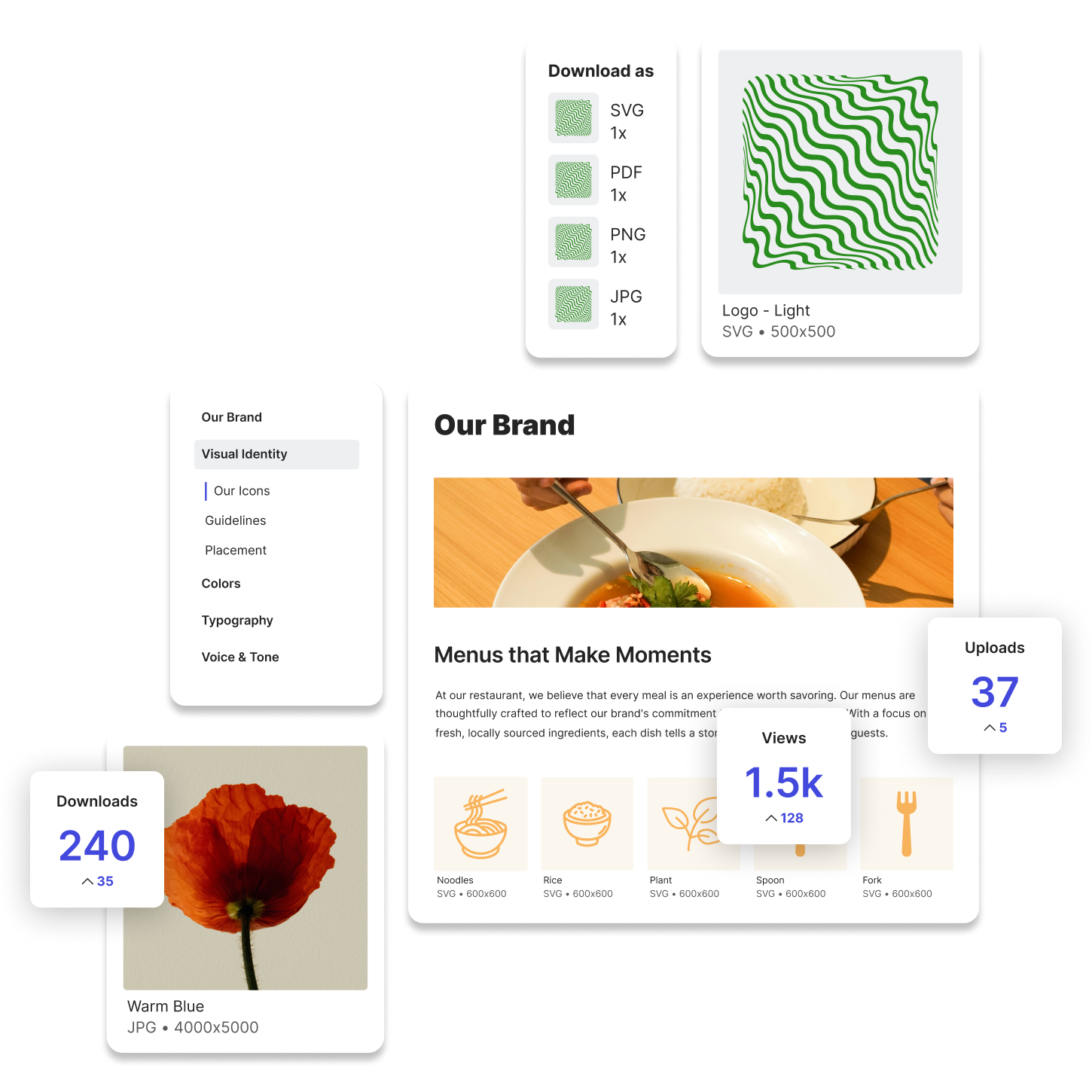
Lingo is purpose-built for managing visual brand assets. Instead of focusing on how files are stored, it focuses on how files are used. You don’t just upload a logo; you explain which one to use, where it fits, and when it’s appropriate. You don’t just deliver a presentation deck; you offer a full kit that includes supporting graphics, brand guidance, and download options.

Everything in Lingo is designed for clarity and accessibility. You can organize assets into Kits, create dedicated Portals for teams or partners, and add written guidance or visual examples directly next to the files. People find what they need faster, and they use it correctly, when content and context are aligned.
You also gain the ability to control access, keep assets current, and share links that never require manual updates. This structure removes confusion and cuts down on repeated asset requests.
Dropbox is still widely used across organizations for storing and sharing files of all types. Creative teams might keep working files there, while marketing or product teams use it to collaborate on documents and folders.
Some teams even try to organize brand assets in Dropbox, creating folders like “Logos,” “Social,” or “Final Files,” but the experience is limited. There’s no way to preview visuals at a glance, guide users on how to use the assets, or group files with rich context. It becomes yet another place to search.
Dropbox does its job well when used for general file storage or working documents. But when you’re trying to manage brand assets at scale, it lacks the structure and visibility needed to support creative workflows.
If you’re a global art director, designer, brand manager, or marketer, you’ve likely spent time bouncing between storage systems, answering questions about asset locations, or re-exporting the same file in multiple formats. The root of the problem usually isn’t file access, it’s asset usability.
What you need is not just a place to store assets, but a way to share them with clarity and confidence. You need to know that what you’re sending is the most current version. You need others to understand how to use it. And you need to make that process as fast and seamless as possible.
This is where the real difference between Dropbox and Lingo becomes clear. Dropbox stores. Lingo enables.
Lingo was built to do the things Dropbox can’t. It lets you curate visual Kits for specific use cases, share brand guidelines in context, and provide download options that match what people actually need. You can customize how assets are presented, organize them by campaign or team, and offer clear, consistent guidance.
But Lingo doesn’t require you to abandon Dropbox. In fact, Lingo offers a Dropbox integration that allows you to sync files between the two platforms. If your team is already storing assets in Dropbox, you can pull them into Lingo and present them in a more structured, branded environment, without having to duplicate effort.
This gives you the best of both worlds. You can maintain your existing file workflows in Dropbox while using Lingo to create a front-end experience that is easier for others to navigate. It also helps you keep brand assets aligned across both systems, ensuring that updates carry through and nothing gets lost in translation.
Lingo becomes the brand layer on top of your storage system. It’s the part of the process where assets become usable, not just stored.