Kits: A Smarter Way to Group and Share Brand Assets
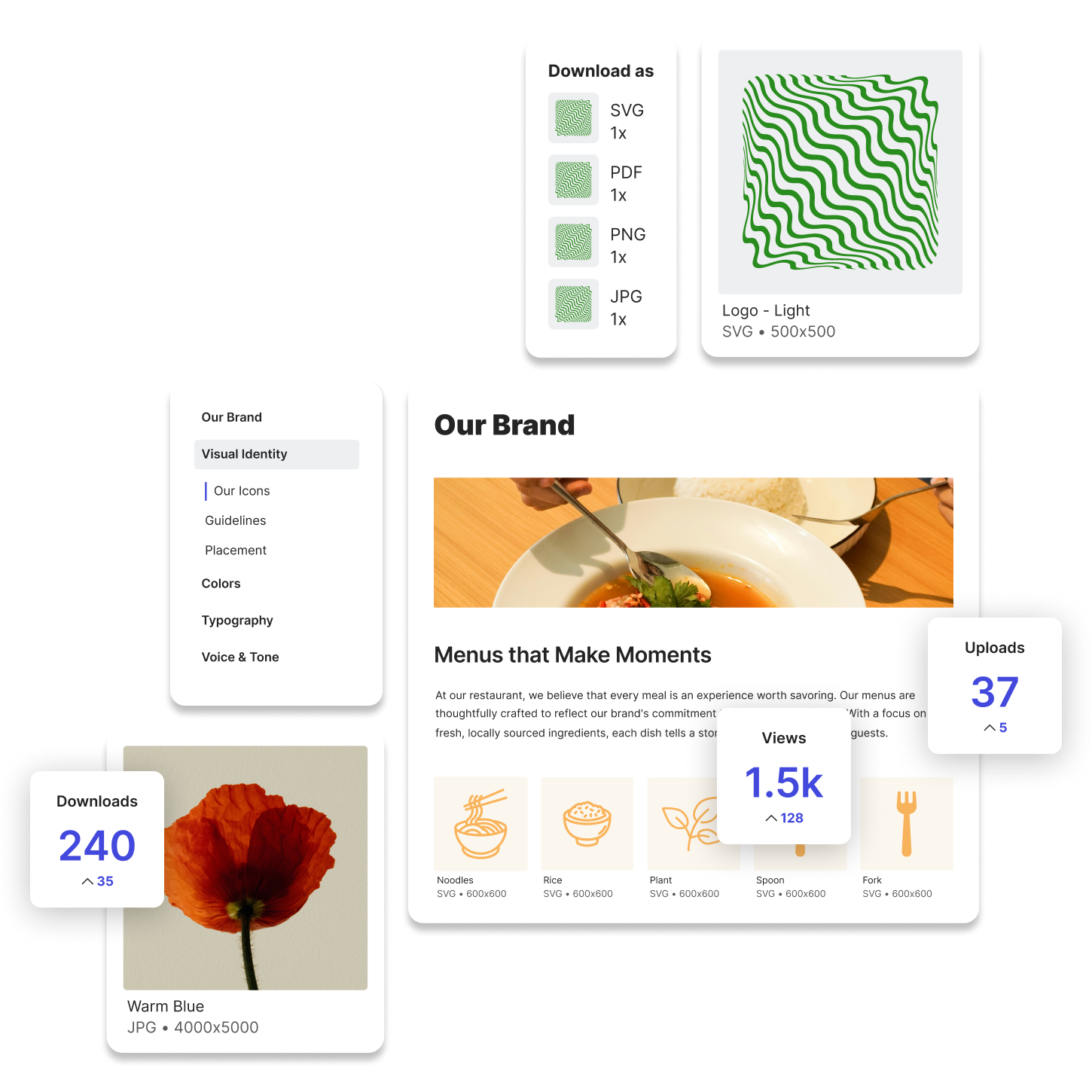
Kits are a modular way to organize and deliver related brand assets in a single, curated space. Instead of forcing people to dig through folders or rely on shared drives, Kits let you package everything needed for a specific purpose, like a campaign, department, brand, or vendor, into a simple, easy-to-access collection.
Think of Kits as a focused container. They’re not meant to house everything. They’re meant to give someone exactly what they need, no more and no less.
Why Kits Offer More Clarity Than Traditional Folders
Folders are familiar, but they fall short when brand assets need context or curation. You might create a folder called “Social Graphics,” but what’s inside could be a mix of file types, sizes, and versions. Kits, on the other hand, are intentional.
Each Kit is built with a purpose. You might have one Kit for sales presentations, another for product launch visuals, and another for organizing assets associated with a specific brand. They’re flexible, and everything is visually organized, so it’s easy for someone to browse, preview, and download exactly what they need. Plus, you can quickly and easily clone Kits, make quick changes in what is in a Kit, and share it with different groups of people, so every Kit feels customized for your audience.
This structure reduces confusion, saves time, and gives people confidence that they’re using the right assets.
Where Kits Show Up in Modern Workflows
You may already be creating your own version of Kits without calling them that. Anytime you send a zipped folder to a freelancer or create a press package for an event, you’re essentially curating a set of assets for a specific use case.
But most of these setups are manual and disconnected. Assets live in different platforms. Context is provided in emails. Files are duplicated or lost. That’s where things start to break.
Modern teams are moving toward systems that allow for reusable, easy-to-update Kits that live in a centralized, branded environment. They want to cut down on repetitive requests and make brand assets more accessible without sacrificing control.
Why Kits Matter to You and Your Team
Your time is valuable, and so is your brand. Kits help you protect both. They eliminate the need to re-explain where assets live or resend links every time someone needs something. With Kits, your team can help themselves.
You get to decide what’s included, how it’s presented, and who has access. Whether you’re onboarding a new hire, launching a new product, or supporting a partner campaign, Kits let you show up with polish and precision.
This approach not only improves your team’s efficiency, it also reinforces consistency in how your brand is used across channels.
How Lingo Makes Kits More Powerful
Start with a brand audit to determine what types of content you have, and who needs access to what. During this audit, it also makes sense to archive and deduplicate assets so you're only bringing into your DAM the most effective and useful materials.
Lingo was built around the idea of Kits. In Lingo, Kits are visual, customizable, and designed to support real workflows. You can include images, videos, documents, icons, and even contextual notes, everything someone needs to understand and use the assets correctly.
Try Lingo for free.