Brand Library: The Home Base for Every Brand Asset
As brands scale, so do the number of assets they create. Logos get revised. Templates multiply. Photography grows across campaigns and channels. Without a system in place, these assets become scattered across drives, email threads, messaging platforms, and cloud folders. It gets messy, and chaotic, fast!
That is why many teams rely on a brand asset library, a central and reliable space for everything that visually and verbally defines a brand. A well-maintained brand library gives teams confidence that they are using the right file, in the right format, with the right guidance. It removes the guesswork and protects the integrity of your brand as it’s shared across content, platforms, and collaborators.
What Is a Brand Library?
A brand library is a structured digital space that houses every approved brand asset your organization uses. This typically includes:
- Logos
- Color palettes and swatches
- Typography files and usage examples
- Design templates for decks, social media, or web
- Photography and iconography
- Digital brand guidelines and usage notes
- Tone of voice and copywriting standards
The goal of a brand asset library is twofold: to make brand assets easy to find, and to make sure they are used correctly. It is not just a folder of files. It is a curated environment that supports brand consistency and creative autonomy.
The Problem with Traditional File Storage
Many teams start by organizing brand materials in Dropbox, Google Drive, or SharePoint. These systems work well in the early stages, but as asset libraries grow and team structures change, they often create friction. Files may be buried in nested folders, duplicated across locations, or stored under unclear names.
It becomes harder to know which version is current, whether usage guidelines exist, or where to go to find assets for a specific use case. Designers field repeated requests for resized logos. Marketers pull outdated imagery. Partners are sent massive ZIP files that may not include the context they need.
This kind of inefficiency adds up. It wastes time, slows down campaigns, and erodes brand consistency.
How a DAM Like Lingo Organizes Brand Libraries
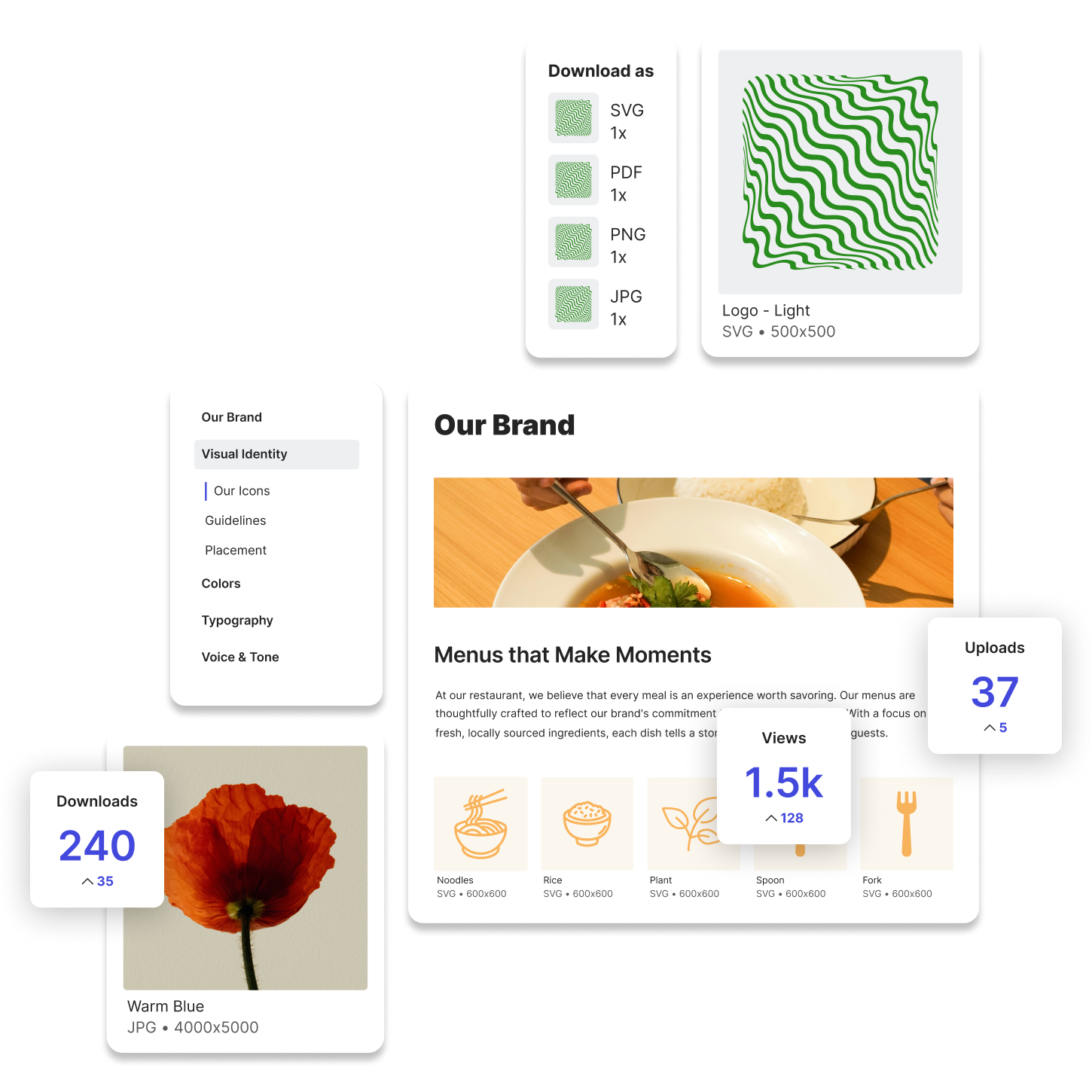
Digital asset management systems solve these challenges by turning brand libraries into intuitive, interactive spaces. In Lingo, teams can build branded kits that group related assets together in ways that make sense, such as by campaign, by audience, or by type.
For example, instead of one generic "Logos" folder, you might create kits for "Product Logos," "Event Logos," and "Press-Ready Logos." Each kit includes not only the files, but also guidance on when and how to use them. A marketer looking for a high-res logo for a keynote slide can find it immediately, along with notes about background color compatibility and padding rules.
Try Lingo for free.