Edward Boatman • Nov 19th
Retail brands run on visual assets. Product photography for seasonal launches, localized signage for regional stores, packaging files updated every quarter. When those assets live in scattered drives and email threads, the wrong product image ends up on a shelf display. Your marketing team spends hours tracking down current campaign graphics instead of launching them.
A digital asset management platform built for retail solves that problem by giving every team, store, and partner one place to find approved, current files. Lingo organizes your brand assets alongside live guidelines and product metadata so the context travels with the content.
This comparison breaks down six DAM platforms through the lens of retail brand teams managing asset distribution, localized marketing, and brand guideline sharing across multiple locations and partners.
Retail brand teams have a specific set of requirements that generic file storage cannot cover. You need to get approved product photography, campaign graphics, and localized signage into the hands of regional marketers, store managers, and wholesale partners without a flood of email requests or version confusion. We evaluated each platform against criteria that map directly to those operational needs.
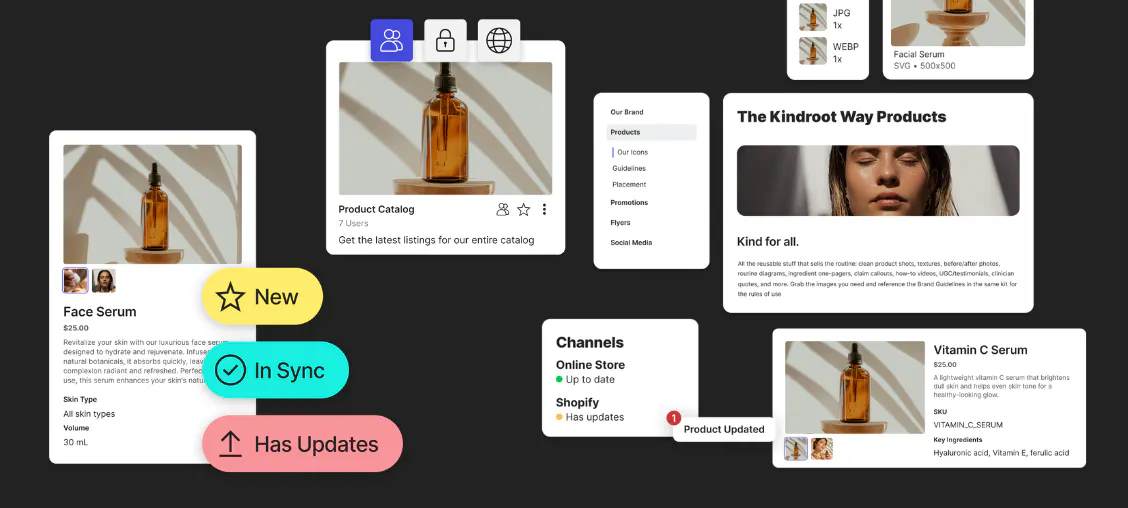
Lingo is a digital brand hub that pairs asset management with live, interactive brand guidelines in a single platform. For retail teams, this means your product photography, campaign files, product metadata, and packaging assets sit alongside the exact usage rules that govern them. No one has to open a separate PDF or guess which logo variant to use.
Retail brands managing multiple locations, wholesale partners, or regional campaigns use Lingo's Kits and Portals to build curated destinations for each audience. A Kit groups the assets, context, and documentation a specific team needs. A Portal packages Kits into a branded, shareable page with controlled access.
When you update an asset in Lingo, every link pointing to that file reflects the change automatically. That single-source-of-truth architecture removes the version confusion that costs retail teams hours of rework during seasonal transitions.
According to a 2019 Lucidpress study, consistent branding can increase revenue by up to 33 percent, yet 81 percent of companies still deal with off-brand content.
Lingo gives retail brand teams the structure to close that gap: approved assets paired with live guidelines, automatic file conversions from a single upload, and usage analytics through Insights that show which files are being downloaded and where.
Pros:
Cons:
Bynder is an enterprise DAM platform that offers modular capabilities spanning asset management, creative automation, and campaign distribution. Retail brands managing assets across multiple global markets use Bynder to enforce usage rights and set automatic go-live and expiration dates on files. The platform includes AI-powered search and metadata extraction to help teams locate assets across large libraries.
Bynder's brand management module lets you govern brand assets, apply guidelines, and manage usage rights from one system. For retail organizations operating in multiple regions, the platform supports localization workflows and global governance. Teams can embed assets directly into external systems through Bynder's API and available plugins.
Pros:
Cons:
Canto provides a DAM with AI-embedded search, smart tagging, and dedicated retail features including a DAM for Products module that unifies product information with visual assets. The platform includes Brand Studio for creating on-brand content from templates, and Media Publisher for formatting assets to match digital storefront specifications.
Retail teams use Canto's portals to distribute assets to different audiences and its approval hub to manage review workflows. The platform supports style guides that document brand colors, logos, imagery, and fonts in one accessible location.
Pros:
Cons:
Brandfolder, part of the Smartsheet family, is an enterprise DAM that emphasizes AI-powered asset tagging, usage analytics, and workflow integrations. Retail brands with diversified product portfolios use Brandfolder to create a centralized asset repository and distribute approved content to internal teams, agencies, and distribution partners.
The platform offers creative workflow tools that manage the asset lifecycle from intake and ideation to delivery and version control. Brandfolder's CDN-backed Smart Links let teams embed assets across external platforms, and those links update automatically when the source file changes.
Pros:
Cons:
Frontify combines DAM with a modular brand guideline builder, making it a fit for design-system-driven teams. The platform lets you construct structured guidelines using customizable content blocks that cover logos, colors, typography, and messaging. Retail teams that operate with formal design systems can document component libraries alongside brand rules.
The DAM side of Frontify includes AI-assisted search, governance controls, and automatic format conversion. Brand Portals let teams distribute curated collections of assets and guidelines to external partners. Analytics tools track asset usage and guideline engagement across the organization.
Pros:
Cons:
Air positions itself as a DAM for modern creative and marketing teams, with features like visual feedback annotations, AI-powered design editing, and performance analytics that connect ad account data to creative assets. Retail teams running high-volume campaigns across social, digital, and print channels can use Air to track which creative variations perform and scale them across formats.
The platform includes showcase links for branded, access-controlled sharing and desktop sync for local file access. Air's versioning system tracks every iteration of an asset, and its approval workflow ensures only reviewed content reaches distribution.
Pros:
Cons:
Localized retail marketing requires getting the right version of each asset to the right market. A regional holiday campaign in the Southeast uses different imagery than a product launch in the Pacific Northwest. Your DAM needs to let you segment assets by geography, language, or partner without creating duplicate files that drift out of sync.
Look for platforms that support curated collections with controlled access. Lingo's Kits let you group region-specific assets alongside localized usage instructions, then distribute them through branded Portals that your field teams or retail partners can access on their own.
Also consider how updates propagate. When your packaging changes for a specific market, every link and embed referencing that asset should reflect the update automatically. Manual re-distribution across dozens of store locations is where version errors multiply. Connected DAM and Product Information Management (PIM) systems connect metadata to digital assets and makes communicating retail product marketing needs a breeze.
A designer-friendly DAM respects how creative teams already work. That means integration with design tools like Figma so that approved components sync into the asset library without manual export steps. It also means visual organization: assets displayed as thumbnails with context, not file names in a list view.
For retail brand teams, designer-friendly also means reducing the requests that pull creatives away from high-value work. When your brand guidelines live next to the assets they reference, store managers and regional marketers can self-serve. They grab the correct logo, check the usage rules, and download the file in the right format.
Lingo was built with this workflow in mind. Assets carry context, Kits combine files with documentation, and automatic file conversions remove the need for designers to manually export every size and format. The result is fewer interruptions for your creative team and faster execution across your retail operation.
Retail brands do not just need a place to store files. You need a system that connects approved assets with the guidelines that govern their use and delivers both to every team, store, and partner that touches your brand. That is the operational gap most DAM platforms leave open.
Lingo closes it by treating brand management as a connected workflow, not a collection of separate tools. Your assets, guidelines, and curated sharing destinations live in one hub. When a product image changes, every Kit and Portal referencing it stays current.
When a regional partner needs campaign files, they access a branded Portal built specifically for their market.
The platform’s architecture is designed for teams that want to move fast without sacrificing brand control. When product details stay connected to their digital assets, retail teams can share clearer, more consistent product information across stores, distributors, partners, and other retail channels. Start your free trial and see how Lingo organizes your retail brand assets at lingoapp.com.
A digital asset management platform for retail is a centralized system that stores, organizes, and distributes brand assets like product photography, campaign graphics, and packaging files. Lingo extends this by pairing assets with live brand guidelines in one hub, so retail teams always access the right file with the right usage context.
Lingo lets you build Kits organized by region, partner, or campaign and distribute them through branded Portals with controlled access. Each Portal shows only the assets relevant to that audience, reducing confusion and ensuring localized content reaches the right market.
It depends on the platform. Most DAMs store files but keep guidelines as separate documents. Lingo replaces static PDFs with live, interactive brand guidelines that sit alongside your downloadable assets. Updates publish instantly, so your teams never reference an outdated version.
Cloud storage holds files. A DAM organizes them with metadata, permissions, version control, and brand context. For retail brands managing seasonal campaigns and multi-location distribution, Lingo adds curated Kits, branded Portals, and automatic file conversions that go beyond what generic cloud platforms offer.
Look for platforms with built-in analytics. Lingo's Insights feature tracks which assets are downloaded, embedded, and shared across your organization. This data helps you identify which stores or partners are using current assets and where outdated files may still be in circulation.