What is Asset Resizing?
Asset resizing is the process of adjusting the dimensions of digital assets, such as images, graphics, or videos, to fit different platforms, devices, or use cases. This ensures that assets maintain their quality and effectiveness regardless of where they are displayed.
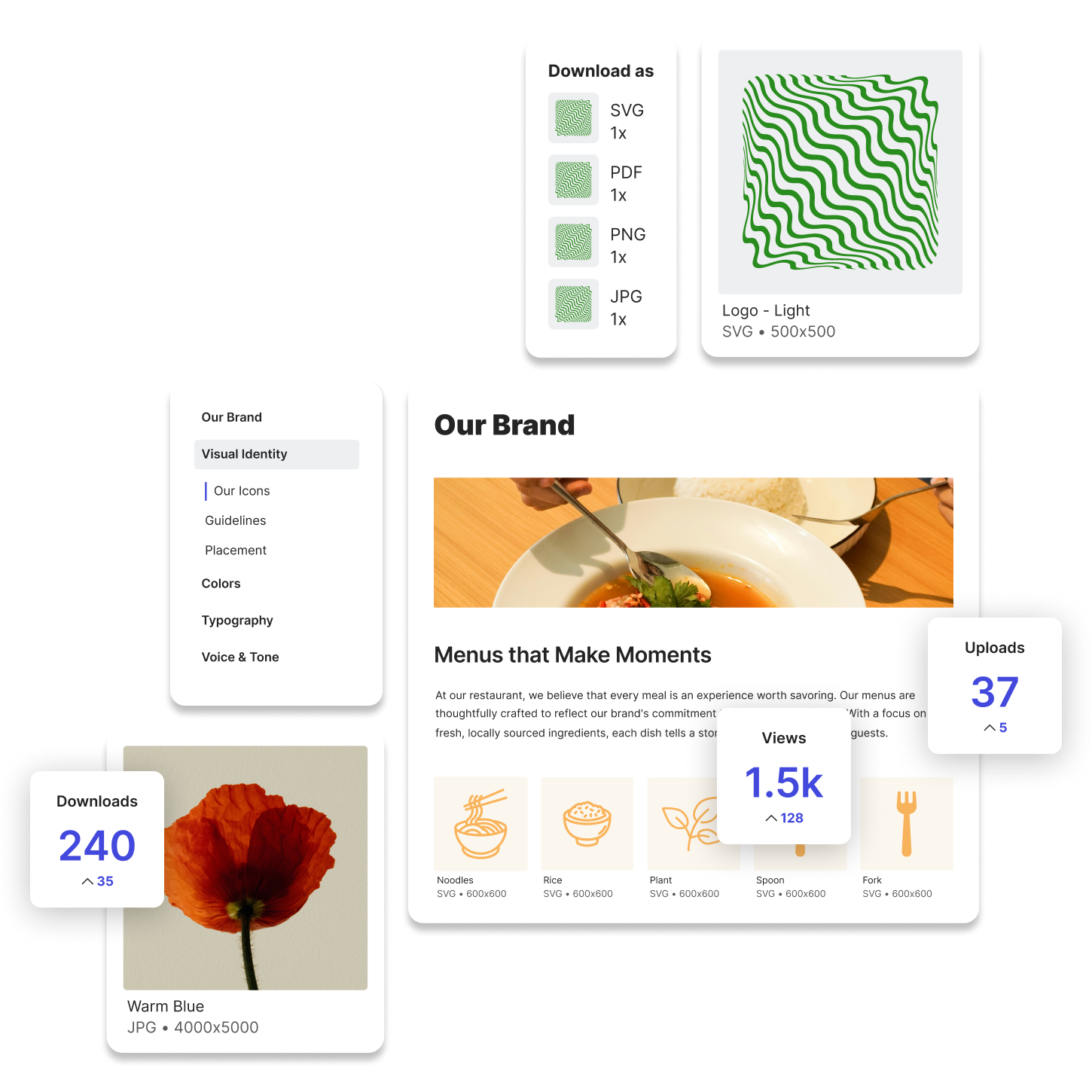
In digital asset management, asset resizing helps teams quickly generate the right file sizes for automatic file conversions for web, social media, print, or mobile applications without manually editing each version. By automating this process, brands can ensure consistency across all marketing channels while saving time and effort.
Why is Asset Resizing Important?
1. Platform-Specific Requirements
Every platform has different image and video size requirements. Social media platforms like Instagram, LinkedIn, and X each have their own preferred dimensions, while websites and email campaigns require optimized assets for faster loading times.
2. Maintaining Visual Quality
Resizing assets without proper optimization can lead to pixelation, distortion, or loss of important details. A well-managed asset resizing process ensures that images and graphics remain sharp and visually appealing.
3. Improving Load Times and Performance
Large images slow down websites and mobile apps, negatively impacting user experience and SEO. Proper asset resizing helps reduce file sizes without compromising quality, improving performance across digital platforms.
4. Efficiency in Workflows
Manually resizing assets for different channels can be time-consuming. Automated resizing tools streamline this process, allowing creative teams to focus on producing high-quality content rather than repeatedly adjusting file dimensions.
How Asset Resizing Works
Asset resizing can be done manually through design software like Adobe Photoshop, or it can be automated using digital asset management (DAM) platforms like Lingo. Here’s how the process typically works:
- Upload the original asset – This could be a high-resolution image, video, or graphic.
- Select the target dimensions – Choose predefined sizes for web, social media, or print, or enter custom dimensions.
- Resize while maintaining quality – Advanced tools ensure the resized asset retains clarity and detail.
- Export or share – The optimized asset is ready for immediate use across different channels.
Lingo and Asset Resizing
Lingo simplifies asset resizing by allowing users to generate properly scaled versions of their assets without manual editing. This ensures teams always have the right-sized files for various platforms while keeping brand elements consistent.
With Lingo, users can:
- Store high-resolution master files and create optimized versions for different use cases.
- Maintain brand integrity by ensuring all resized assets follow approved design standards.
Use Cases for Asset Resizing
Marketing Teams
Marketers need multiple versions of the same asset for social media, ads, emails, and presentations. Asset resizing ensures they can quickly generate the correct sizes without waiting on design teams.
Designers and Content Creators
Design teams create high-resolution graphics that often need to be resized for different placements. A structured resizing process ensures their work looks great across all formats without losing quality.
Web and App Developers
Developers need properly scaled images for websites and mobile apps to ensure fast loading speeds and smooth user experiences. Automated resizing helps them work more efficiently.
The Role of Asset Resizing in Digital Asset Management
Digital asset management platforms help teams store, resize, and distribute assets without manually adjusting each file. By integrating asset resizing into a DAM system, organizations can ensure consistency, efficiency, and faster content deployment.
By adopting a structured approach to asset resizing, brands can improve workflows, enhance content quality, and create a seamless experience across digital and print platforms.
Try Lingo for free.