What is Automatic File Conversion?
Automatic file conversion is a process that transforms files from one format to another instantly, without requiring manual editing or third-party tools. This feature is essential for professionals working with diverse file types, as it saves time and ensures compatibility across different platforms. It also keeps your colleagues from interrupting your flow to ask “Hey, can you make this file into a different format?”
For example, marketers often need to convert high-resolution images into web-friendly formats, while designers may need to transform vector files into PNGs or JPGs for easy sharing. Automatic file conversion eliminates these extra steps, streamlining workflows and reducing the risk of errors.
How Automatic File Conversion Works
The process typically follows these steps:
- Upload the original file – This could be an image, video, document, or audio file.
- Select the desired output format – Some systems allow manual selection, while others automate the process based on predefined rules.
- Convert the file instantly – The system processes the file, maintaining quality while adapting it for the new format.
- Download or share the converted file – The new version is ready to use without further modification.
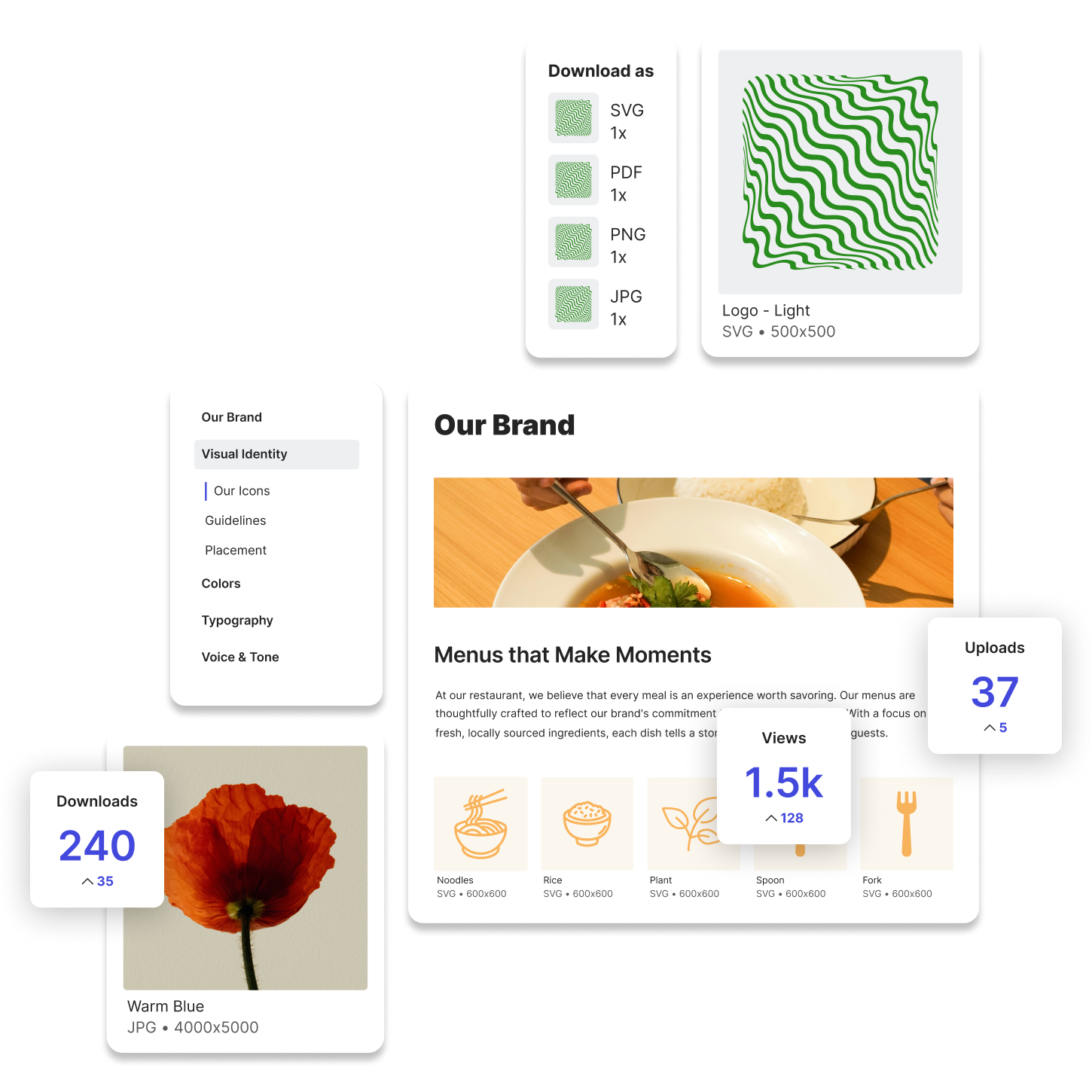
Here is what that looks like when you are using Lingo as your Digital Asset Management platform.
Automatic File Conversion in Marketing
Marketers regularly work with multiple file types, making automatic file conversion an invaluable tool. Common use cases include:
- Social media optimization – Converting large video files into compressed MP4s for faster uploads.
- Website content – Ensuring your website images are lighter-weight by compressing them into a WebP file.
- Email marketing – Changing high-resolution images into compressed JPEGs to reduce email load times.
- Ad creative adjustments – Transforming vector files (AI, EPS) into PNGs for ad placements.
Example: Optimizing an Email Campaign
A marketing team designs an email featuring a product image. However, the original file is a large TIFF, which could slow down email loading. With automatic file conversion, the system instantly converts it to a compressed JPEG, reducing file size while maintaining quality.
Automatic File Conversion in Design
Designers work with high-quality assets that often require format adjustments. Common use cases include:
- Print vs. digital formats – Converting CMYK PDFs into RGB JPGs for online use.
- Client-ready previews – Transforming large PSD files into PNGs for easy sharing.
- Video format adjustments – Converting MOV files into universally compatible MP4s.
Example: Preparing a Client Presentation
A designer creates a branding package in Adobe Illustrator and needs to share it with a client. The client doesn’t have Illustrator, so the designer uses automatic file conversion to generate high-resolution PNGs and PDFs for easy viewing.
The Role of Automatic File Conversion in Digital Asset Management
For businesses managing large digital libraries, automatic file conversion ensures that assets remain accessible, usable, and optimized for different needs. Instead of manually converting files, teams can rely on DAM platforms to instantly generate the right format, whether for print, web, or social media.
Automatic File Conversion Saves Time and Effort
Automatic file conversion is a game-changer for marketers, designers, and content teams. It keeps you focused on being creative, not converting files. By eliminating manual conversion steps, it improves efficiency, enhances compatibility, and empowers others to locate files and download the file-type they need.
Try Lingo for free.