OneDrive vs. Lingo: What Looks Similar at First Is Built for Very Different Purposes
On the surface, OneDrive and Lingo might seem like they do similar things. Both allow you to store, organize, and share files with others. Both work across teams and devices. But the similarities end there.
OneDrive is a structured folder solution built primarily for general document management and team collaboration. It works well for Word documents, spreadsheets, meeting notes, and standard file sharing. If your needs revolve around business documentation, OneDrive is a strong fit.
Lingo, by contrast, is a digital asset management solution. It was built specifically for creative and brand teams that need to organize, deliver, and protect visual assets like logos, images, icons, decks, videos, and brand guidelines. Lingo gives you a system for showing how brand assets should be used, not just where they live.
Both tools serve important purposes, but they are not interchangeable. Once your brand begins to scale, and your creative assets need structure and clarity, Lingo becomes the system that keeps everything aligned.
Why Folder-Based Tools Like OneDrive Have Creative Limits
OneDrive is widely used because it’s part of the Microsoft 365 ecosystem. It’s simple, familiar, and works well for collaborating on documents in real time. But when it comes to managing creative assets, OneDrive’s structure presents a few key limitations.
Folders are static. You may name one “Marketing” or “Social Graphics” or “2025 Product Launch,” but without visual previews or guidance, someone opening that folder might not know what to use. Assets can be duplicated, moved, or downloaded incorrectly. There’s no built-in context, no version control, and no way to guide users on proper usage.
If you’re managing hundreds of design files, presentations, or visual references, OneDrive becomes a maze of folders and filenames. It assumes users know exactly what they are looking for, which rarely happens outside of the creative team.
OneDrive helps you store content. But it doesn’t help your team understand or use it the right way. It creates a disconnected experience between content and context.
How Lingo Supports Creative Workflows with Structure and Clarity
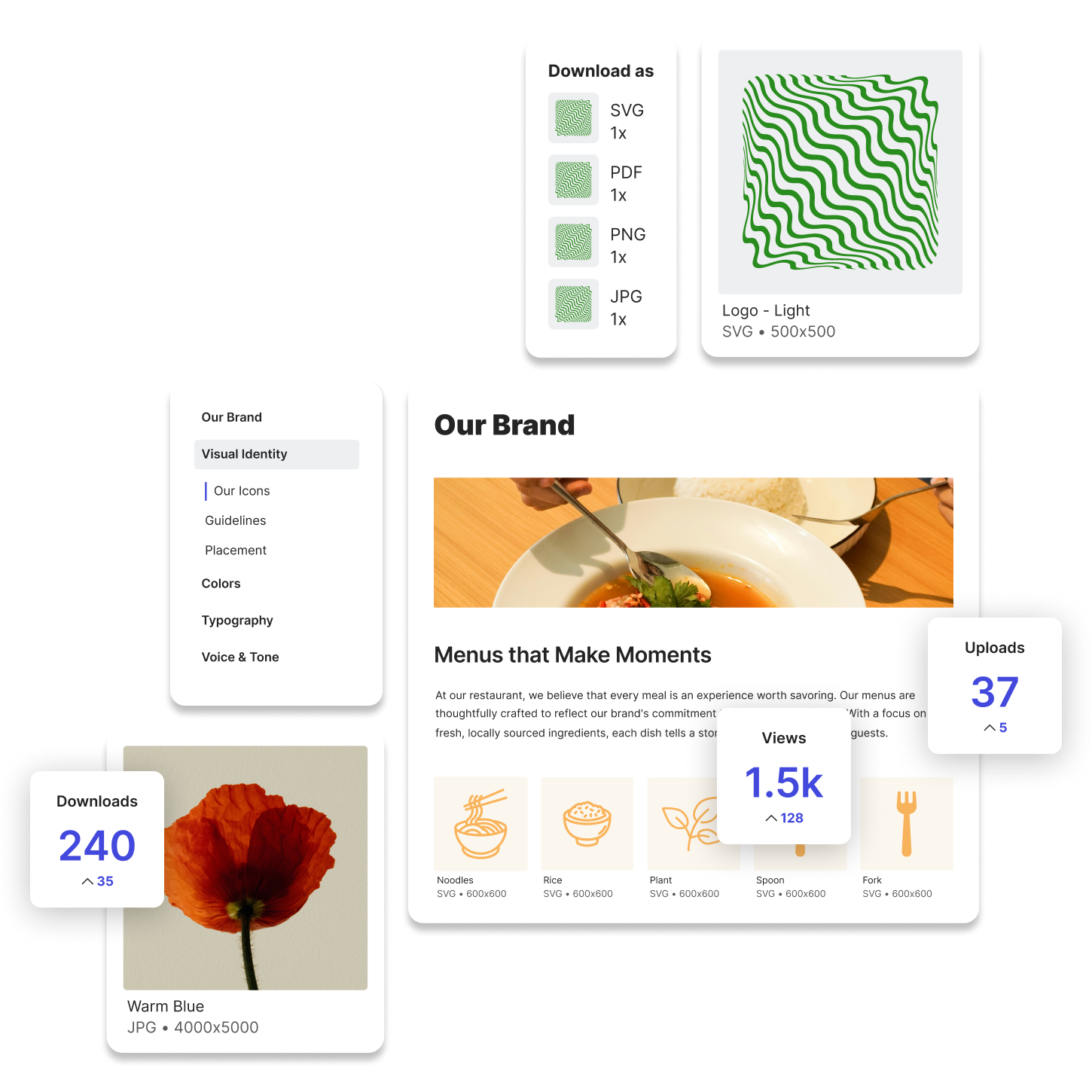
Lingo is designed to help you manage not just assets, but the brand behind them. You can group assets into visual Kits, organize those Kits inside branded Portals, and add contextual notes to guide users on when and how to use what’s inside.
Instead of clicking through folders and guessing which file is correct, your team sees assets presented visually with labels, usage notes, and download options that fit their needs.
Try Lingo for free.