Google Drive is one of the most widely used cloud storage tools for teams of all sizes. It offers flexible file storage, real-time collaboration, and simple sharing for everything from spreadsheets to presentations. If you're managing general business documents or working drafts, Google Drive is a reliable solution.
But when it comes to managing your brand assets, like logos, photography, design files, and campaign content, Google Drive starts to show its limits. That’s where Lingo steps in. Lingo is not a file storage tool. It is a digital asset management platform built to make your brand easier to find, share, and use across teams.
While both platforms can hold files, they solve different problems. Once your creative assets begin to scale, the difference between storing and managing becomes clear.
Google Drive is organized around folders and file types. You can upload files, create nested folders, and set permissions at the folder or document level. For many teams, this structure works for day-to-day collaboration and document sharing.
But for brand asset management, it creates challenges. As your library grows, so do the number of folders, duplicate files, and inconsistent naming conventions. Without visual previews, context, or guardrails, people start guessing which file is correct or recreating what they can’t find.
You might name a folder “Product Assets” and place multiple image versions inside, but there’s no clear way to indicate which is the latest or how to use each one. This leads to confusion, off-brand work, and time wasted requesting help from the creative team.
Google Drive is flexible, but it lacks structure where it matters most and that’s at the point of use.
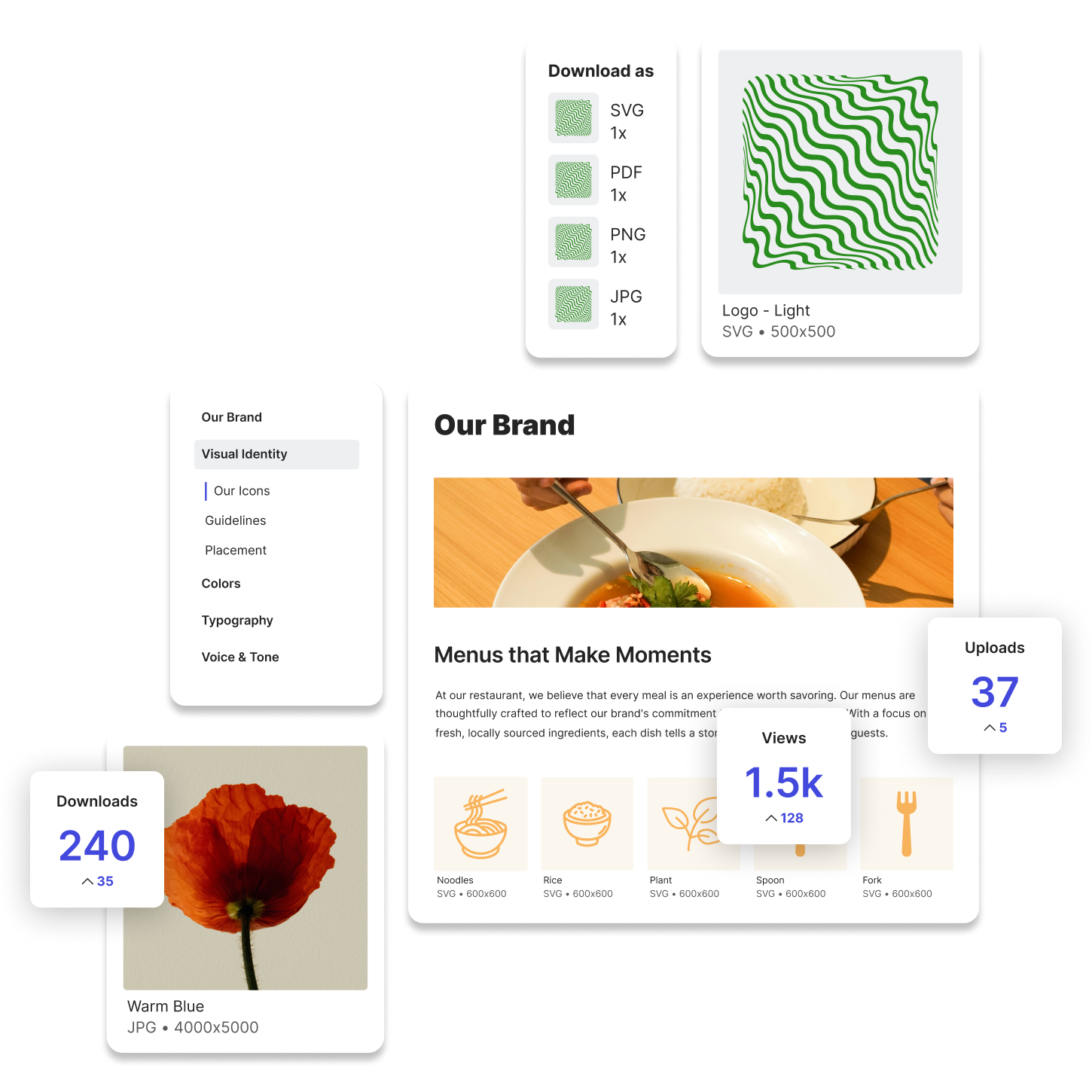
Lingo takes a different approach. It focuses on how your brand assets are used, not just where they are stored. You don’t simply upload files. You organize them into Kits that group assets by purpose, campaign, or audience. You add notes, guidelines, and visual context alongside the files to help others understand how to use them correctly.

Instead of forcing your team to search through folders, Lingo presents your assets in a clean, branded interface. You can search visually, filter by custom tags, and preview files before downloading. It’s built for usability, not just access.
You can also create Portals, or dedicated spaces of several kits for different departments, partners, regions, or use cases. Each Portal is customizable and easy to share, helping your brand show up with consistency at every touchpoint.
Google Drive is the default for many teams because it’s simple, integrated into existing workflows, and already in use across other areas of the business. Designers may store working files there, marketing teams may collaborate on copy or presentations, and agencies may share links to project folders.
Some teams try to organize their brand assets inside Google Drive using folders and naming systems. But even with the best structure, there’s no built-in version control, no way to connect guidance to assets, and no consistent user experience across teams.
In short, Google Drive does its job for documents and collaboration. But it becomes difficult to scale when used as a brand system.
If you’re responsible for brand consistency, creative operations, or asset distribution, you’ve probably felt the pain of scattered or unclear files. It’s not just about storing content. It’s about making that content accessible, understandable, and usable without requiring constant oversight.
You want a system that helps your team work faster and stay on brand without needing to double-check every link or resend the same file again and again. You want to know that the assets you share will be used the right way, without needing a full walkthrough.
This is where Lingo provides clarity. Google Drive stores your files. Lingo turns those files into tools your team can actually use.
Lingo doesn’t aim to replace Google Drive entirely. In fact, Lingo offers a direct integration with Google Drive so you can pull assets from your Drive account into your Lingo workspace.
This lets you keep using Google Drive as your general storage solution while elevating your most important brand assets into a system designed for clarity and control. Once those files are in Lingo, you can organize them into Kits, add helpful context, and share them through Portals tailored to each audience.
You don’t need to duplicate files or change your team’s workflow. Instead, you extend the value of your existing content by making it easier to use and harder to misuse.
Lingo gives you the missing layer that turns your assets into a branded, intuitive system. Your creative team spends less time fielding questions, and your broader team spends less time searching for the right file. Everyone wins.