Edward Boatman • Aug 7th
Your team invested in a digital asset management platform so people could stop asking, “Where is the latest logo?” Now the questions have changed. Partners need a cleaner way to find approved content. Brand guidelines still live somewhere else. Product images and product details do not travel together. Or the system works, but it no longer fits the way your team creates and distributes content.
That does not necessarily mean Canto is a bad DAM. It means your requirements have changed, and it may be time to compare Canto alternatives against the work your team needs to do now.
The best Canto alternative depends on why you are considering a change. Lingo is a strong fit for growing marketing and brand teams that need digital asset management, digital brand guidelines, product content workflows, and flexible external distribution without a heavy enterprise rollout. Bynder, Brandfolder, Frontify, Acquia DAM, Air, MediaValet, and Stockpress may be better fits for other needs, including global governance, creative collaboration, or large video libraries.
Do not choose a replacement based on the longest feature list. Start with the gap your current system is not closing, then test each platform using a real workflow from your team.
Canto is an established digital asset management platform. Its current product includes a centralized library, AI-powered search, collaboration tools, portals, style guides, and options for distributing content. Canto also uses custom pricing rather than publishing standard plans on its website. You can review its current capabilities on Canto’s product page.
The reason to compare alternatives is not that Canto lacks modern DAM features. It is that two platforms with similar feature categories can feel very different in daily use.
A marketing team may want to give distributors a polished, self-service destination instead of another asset folder. A brand manager may want guidelines and approved files presented together. A CPG or cannabis company may need product descriptions, specifications, and images to stay connected. A global company may need deeper governance across regions and sub-brands. A creative team may care most about reviews, approvals, and version history before an asset is ready to distribute.
These are different buying problems. They should not lead to the same shortlist.
Before looking at individual platforms, write down what is pushing your team to consider a switch. Separate a true product gap from a setup or adoption problem. A new DAM will not fix unclear ownership, messy metadata, or outdated content unless you address those issues during the move.
Test search with the words your users actually type. Include filenames, product names, campaigns, colors, locations, and plain-language descriptions. Ask whether external users can browse intuitively without knowing your internal folder structure.
Look beyond email links. Consider how agencies, retailers, distributors, franchisees, sales teams, and other partners receive content. The right platform may need branded portals, audience-specific collections, direct links that stay current, or controlled download options.
A downloadable brand guidelines PDF can become outdated or separated from the files it explains. If brand consistency is a priority, test whether people can see the rule, example, and approved asset in the same experience. If they can’t, it may be time for digital brand guidelines.
Retail and product-led teams often need more than images. They may also need descriptions, specifications, product attributes, usage instructions, or compliance information. Decide whether that information belongs in the DAM, a separate PIM, or a connected product catalog.
Enterprise features can be valuable when multiple regions, business units, and systems are involved. They can also add cost and administrative work. Be honest about the permissions, approvals, rights controls, integrations, and reporting your team will use.
Ask each vendor what it needs from your current Canto space. Confirm whether it can preserve metadata, descriptions, folder relationships, permissions, and file history. Also identify what must be rebuilt manually, including portals, style guides, share links, and integrations.
The following platforms serve different types of teams. “Best for” describes the reason each option deserves a place on a shortlist, not a universal ranking.
Best for: Growing marketing, creative, brand, and product-led teams that want approved assets, guidelines, and partner-facing content to live in one visual system.
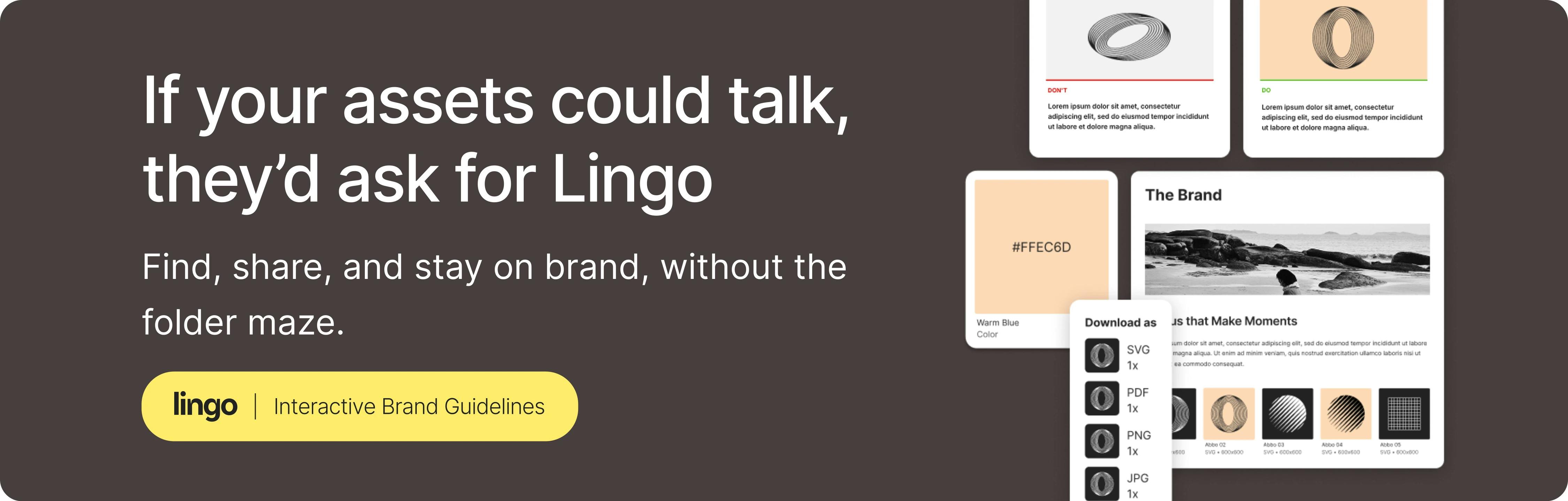
Lingo is a right-sized DAM for teams that have outgrown cloud storage and spreadsheets but do not want a complex enterprise rollout. Its asset Library provides the central home for approved assets and metadata. Teams can then use Kits to organize assets with instructions and context, and group multiple Kits inside a branded Portal for a specific audience.
That structure is useful when external distribution is a major part of the job. A food and beverage company could create one Portal for distributors and use separate Kits for product photography, sales materials, and brand guidance. A university could give departments access to approved logos and explain how each mark should be used. When a Kit is updated and deployed, the Portal displays the current version. If an asset is removed from the Kit, it is no longer available through that Kit in the Portal.
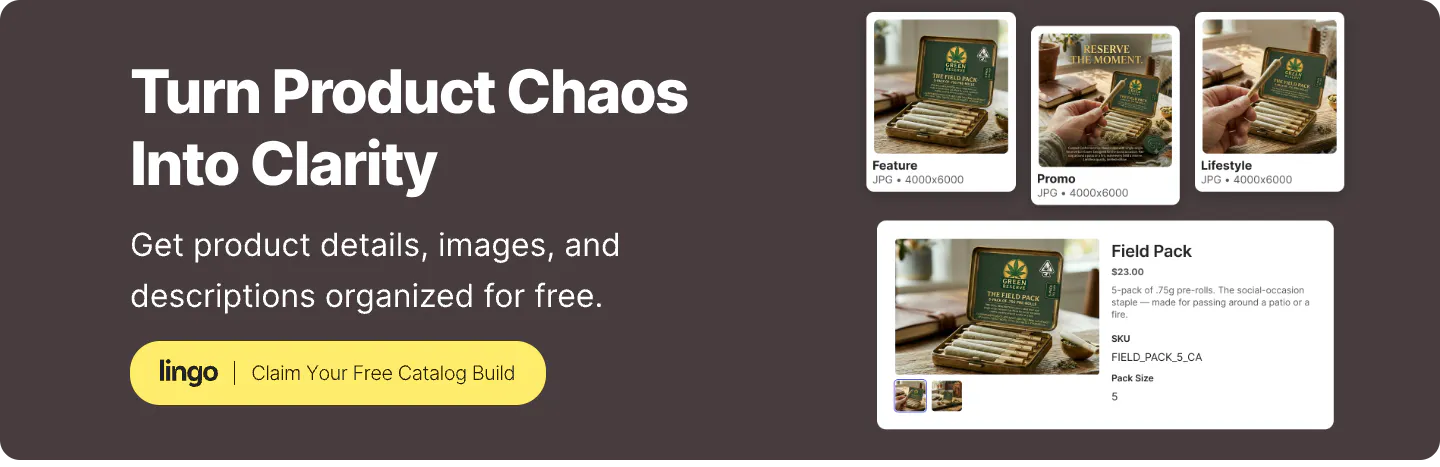
Lingo also supports product information workflows. Teams can build a Product Catalog that keeps product information close to the assets people need to market or sell the product. This can help a brand move away from a spreadsheet-led process without claiming to replace every large enterprise PIM use case.
Lingo publishes its standard plan pricing and offers a free trial, which can make early evaluation more direct.
Potential limitation: Lingo may not be the right choice for an organization seeking the deepest global enterprise governance, a mature enterprise PIM, or a large marketing resource management system. Teams should also verify any required product-channel syncing or third-party product integrations because some related capabilities are still planned or in development.
Best for: Large organizations that need brand governance, asset distribution, integrations, and content operations across many teams or markets.
Bynder combines digital asset management with brand management and content distribution tools. Its brand management offering focuses on making approved assets and guidelines accessible to internal and external users. Bynder also supports branded content experiences that can be used for partner portals, campaign pages, and always-current guidelines.
Bynder belongs on the shortlist when the DAM must support a broad content ecosystem rather than one marketing team. It may be especially relevant when integrations, regional governance, automation, and structured enterprise processes carry more weight than a lightweight setup.
Potential limitation: A broad enterprise platform can require more planning, stakeholder alignment, and administration than a smaller or mid-market team needs. Buyers should ask for a clear implementation plan and a complete quote based on their actual users, storage, modules, and services.
Best for: Brands that need structured asset organization, controlled external distribution, rights management, and asset-use insights.
Brandfolder organizes assets through tools such as collections, sections, labels, and search. It also supports online brand guidelines, self-service asset transformations, digital rights management, sharing, and usage analytics. Its official digital asset management overview provides more detail on these capabilities.
The platform is worth considering when the DAM must serve a broad set of internal and external stakeholders. Brandfolder’s public examples include brands distributing content across global markets and large retail networks, which shows the type of partner-facing use case the product is designed to support.
Potential limitation: Teams with a smaller library or a straightforward sharing need should confirm whether they will use enough of Brandfolder’s governance, analytics, and integration depth to justify the rollout. Pricing is quote-based, so compare the full package rather than the platform name alone.
Best for: Brand-led organizations that want guidelines, templates, asset libraries, and governance to operate as one connected brand system.
Frontify places brand management at the center of its platform. Its approach combines DAM with interactive guidelines, content templates, permissions, approval workflows, and support for multiple brands. Frontify has audience-specific portals and separate asset libraries for multi-brand organizations.
This makes Frontify a logical Canto alternative when a static style guide is not enough and the organization wants a deeper system for governing how the brand is expressed. It can be a strong fit for global brand teams, franchises, or companies managing multiple business units.
Potential limitation: If the primary need is a focused asset library with straightforward external sharing, Frontify’s broader brand platform may be more than the team needs. Buyers should evaluate the complete guideline-authoring and governance workflow, not just the appearance of the portal.
Best for: Enterprises with large libraries, structured metadata requirements, many integrations, or a need to manage product information alongside digital assets.
Acquia DAM, formerly Widen, is an enterprise DAM with search, metadata, version control, rights management, brand portals, analytics, and a broad integration ecosystem. Acquia says its platform supports more than 80 prebuilt integrations and an open REST API. Its Entries application connects product data, marketing copy, and digital assets for distribution.
Acquia is a strong option when product content is highly structured or the DAM must connect with a larger enterprise technology stack. Manufacturers, retailers, and CPG companies may find that combination particularly relevant.
Potential limitation: The platform’s enterprise depth can introduce a larger implementation and governance commitment. A team with a narrow library and a few external audiences may not need the same level of metadata design, integration work, or product-content structure.
Best for: Creative and marketing teams that want asset management, review, feedback, approvals, and content adaptation in a visual workspace.
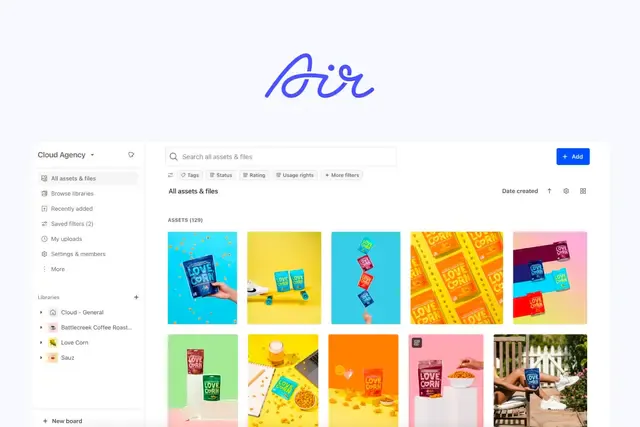
Air approaches DAM through the creative process. Its platform emphasizes visual browsing, natural-language search, version context, review and approval, and tools for adapting approved creative across channels. Air describes its product as a system for creative work, not only a place to store completed files.
Air may be the better alternative when the biggest problem happens before final assets are distributed. For example, a creative team may need feedback and approvals to stay attached to each version instead of being scattered across email, project management software, and chat.
Potential limitation: Teams whose top priority is detailed brand guidelines, formal partner portals, or structured product information should test those workflows carefully. Air’s center of gravity is creative operations and asset production.
Best for: Organizations that manage a high volume of video, audio, and other rich-media files and need strong media search and handling.
MediaValet is an enterprise DAM with a particular emphasis on media-heavy libraries. Its video capabilities include search, discovery, transcoding, and tools that make video content easier to browse and reuse.
This focus can matter for universities, athletics departments, broadcasters, and marketing teams producing large volumes of video. Those organizations should test upload performance, previews, transcript or metadata search, format conversion, and distribution using their largest real files.
Potential limitation: A company focused mainly on logos, guidelines, sales materials, and a modest image library may not need a platform selected primarily for rich-media scale. Confirm whether its broader DAM experience fits non-video users as well as the media team.
Best for: Marketing and creative teams that want core DAM organization, search, version control, and sharing without designing a large enterprise program.
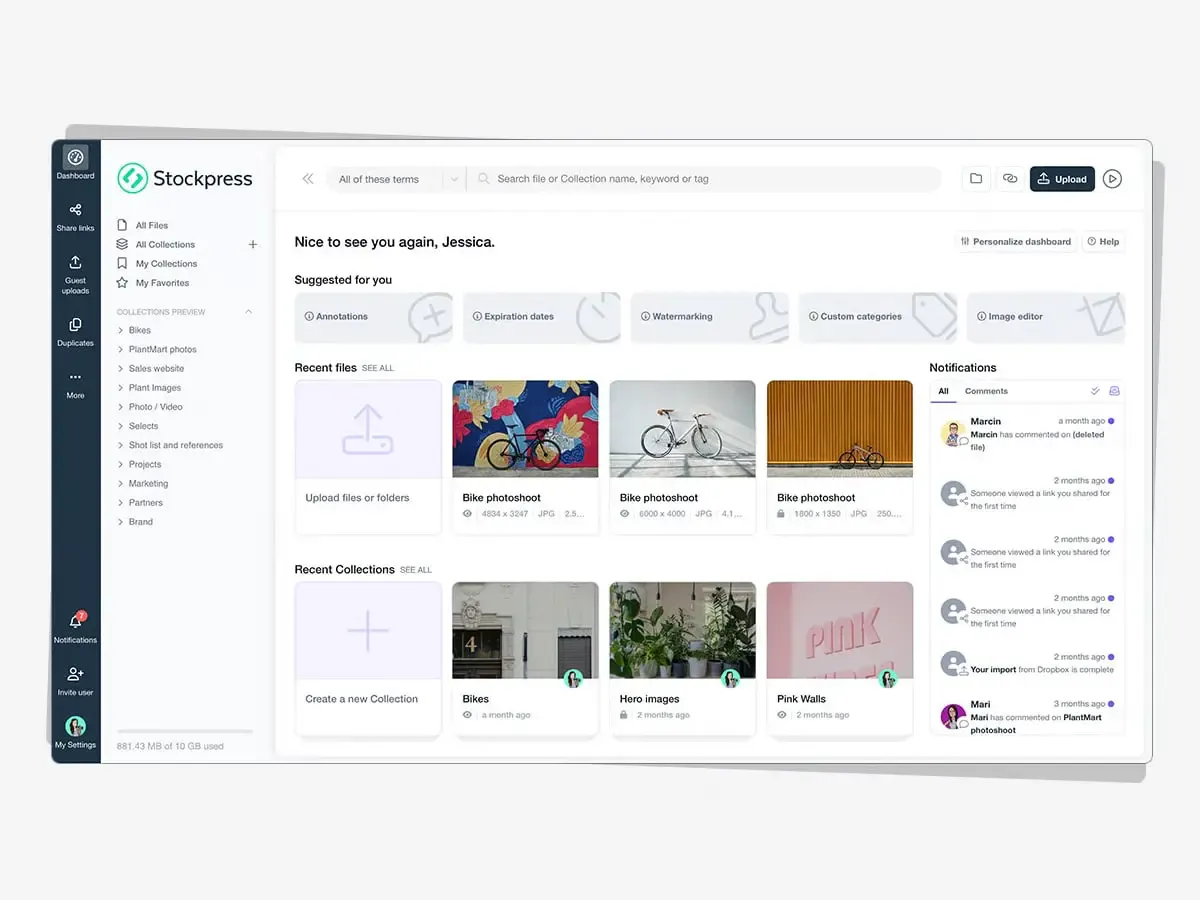
Stockpress focuses on practical asset management for marketing and creative teams. Its product supports metadata, search, permissions, version history, AI-assisted organization, sharing, and asset-use analytics.
It can be a useful option for teams that need more control than cloud storage provides but want to keep the evaluation focused on everyday DAM work.
Potential limitation: Organizations that need sophisticated brand guideline authoring, deep product information management, or highly customized enterprise integrations should verify those requirements early. A straightforward DAM can be an advantage only when it covers the work that matters.
A vendor demo can make almost any DAM look like a fit. The best way to compare platforms is to give each vendor the same realistic assignment.
Pick tasks that happen every week. One could be an internal search for an approved campaign image. Another could be an external partner looking for the latest product materials. The third could involve updating a guideline, retiring an asset, or sharing product information with a retailer.
The buyer and administrator should not be the only evaluators. Invite a designer, marketer, and at least one person who regularly requests assets. If external users are important, ask the vendor to show the experience from their point of view too.
Consider how long each task takes, how much training it requires, and how many steps happen outside the DAM. A platform may have a feature on paper but still make the workflow awkward.
Ask about the subscription, storage, user types, implementation, migration, support, integrations, and optional modules. Quote-based pricing is difficult to compare until every vendor responds to the same requirements.
Separate features that are available now from features that are planned, in beta, or dependent on custom work. Base the buying decision on current capabilities unless the contract clearly covers a future commitment.
Use these questions to keep vendor demos tied to your requirements:
Changing DAMs is not just a file transfer. It is an opportunity to decide what belongs in the DAM implementation, your system, and how people should use it.
Inventory your files, metadata, albums or collections, portals, style guides, users, permissions, integrations, and active share links. Identify duplicate, expired, and unused content before moving it.
Map the information people use to search and browse. Keep the structure understandable to people outside the team that created it. If product content is involved, define which fields belong to each product and which vary by market, state, size, or channel.
Example: Bloom cannabis structures their Kits into states and only shares it with relevant contacts in each state. This means a California market manager cannot access New Jersey content on accident.
Files and metadata may be exportable, but branded pages, guidelines, permission rules, saved searches, and integrations may need to be rebuilt. Put an owner and deadline beside each item.
List websites, emails, sales documents, retailer resources, and partner systems that point to Canto. Plan how each link will be updated, redirected, or replaced. Do not shut down the old system until the high-value destinations have been tested.
Move one complete use case first. A product line, campaign, department, or partner Portal can provide a manageable test. Ask real users to find, download, and share content before repeating the structure across the full library.
Lingo can provide migration help when a team is moving from Canto, Google Sheets, or another system. The exact process depends on access to the current space and the assets or data that need to be rebuilt. For example, Lingo may work from direct access, exports, source files, spreadsheets, or a combination of these materials to populate the new Library, Product Catalog, Kits, and Portals. Confirm the scope during evaluation so both teams understand what Lingo will build and what the customer must supply.
The right Canto alternative is not automatically the platform with more features. It is the one that helps your team get approved content from its source to the people who need it with less confusion and less manual work.
If your organization needs a visual home for approved assets, digital brand guidelines, product content, and audience-specific distribution, Lingo is worth testing. Use the trial to recreate one real workflow, not a perfect sample library built only for a demo.
Start your free Lingo trial and see how your assets, guidelines, and partner content can work together.
The best Canto alternative depends on your needs. Lingo is a strong choice for teams that want a right-sized DAM with digital brand guidelines, product content workflows, and flexible external distribution. Bynder, Brandfolder, Frontify, Acquia DAM, Air, MediaValet, and Stockpress are better suited to other priorities.
Some DAM vendors publish lower starting prices, but price comparisons are difficult because Canto uses custom quotes and platforms package users, storage, modules, and services differently. Lingo publishes standard plans starting at $80 per month when billed annually. Buyers should compare total costs based on the same requirements.
Yes. Canto is a digital asset management platform that helps organizations store, organize, find, manage, and distribute digital content. Its current offering includes AI-powered search, portals, style guides, workflow tools, and integrations.
Lingo combines a central asset Library with visual Kits, branded Portals, digital brand guidelines, and product information workflows. It is designed for teams that need to organize approved content and present it with useful context to internal teams and external partners, all from the same platform.
Yes. Lingo can help a company migrate from Canto when the team can provide access to its current space, exported assets, metadata, product data, or other source materials. The migration plan depends on what can be exported and which Kits, Portals, guidelines, catalogs, permissions, or links must be rebuilt.
Export original assets, metadata, descriptions, user and permission information, and any available reports. Also document portals, style guides, integrations, and active share links because those experiences may need to be recreated rather than transferred automatically.