Edward Boatman • Nov 3rd
Your product photos live in one app. Your descriptions live in another. Your retail partners keep asking for assets you sent last week, and nobody can confirm whether the lifestyle shots on your website match the ones on your marketplace listings. If that sounds familiar, you need a product media management tool built for the way eCommerce teams work today.
Lingo connects product data, images, and brand content in a single hub and lets you share curated Kits and Portals with partners at scale. But it is not the only option on the market. Below, we compare seven affordable tools that help smaller teams organize product media, keep listings accurate, and cut down on manual asset handoffs.
We reviewed each platform against the criteria that matter most when your team is small and your catalog is growing. No fabricated lab tests. Just a comparison grounded in publicly available vendor documentation and verified user feedback.
Best used for: Connecting structured product data with imagery, packaging files, and brand content, then sharing everything through curated Kits and Portals shared with retail partners, agencies, and internal teams.
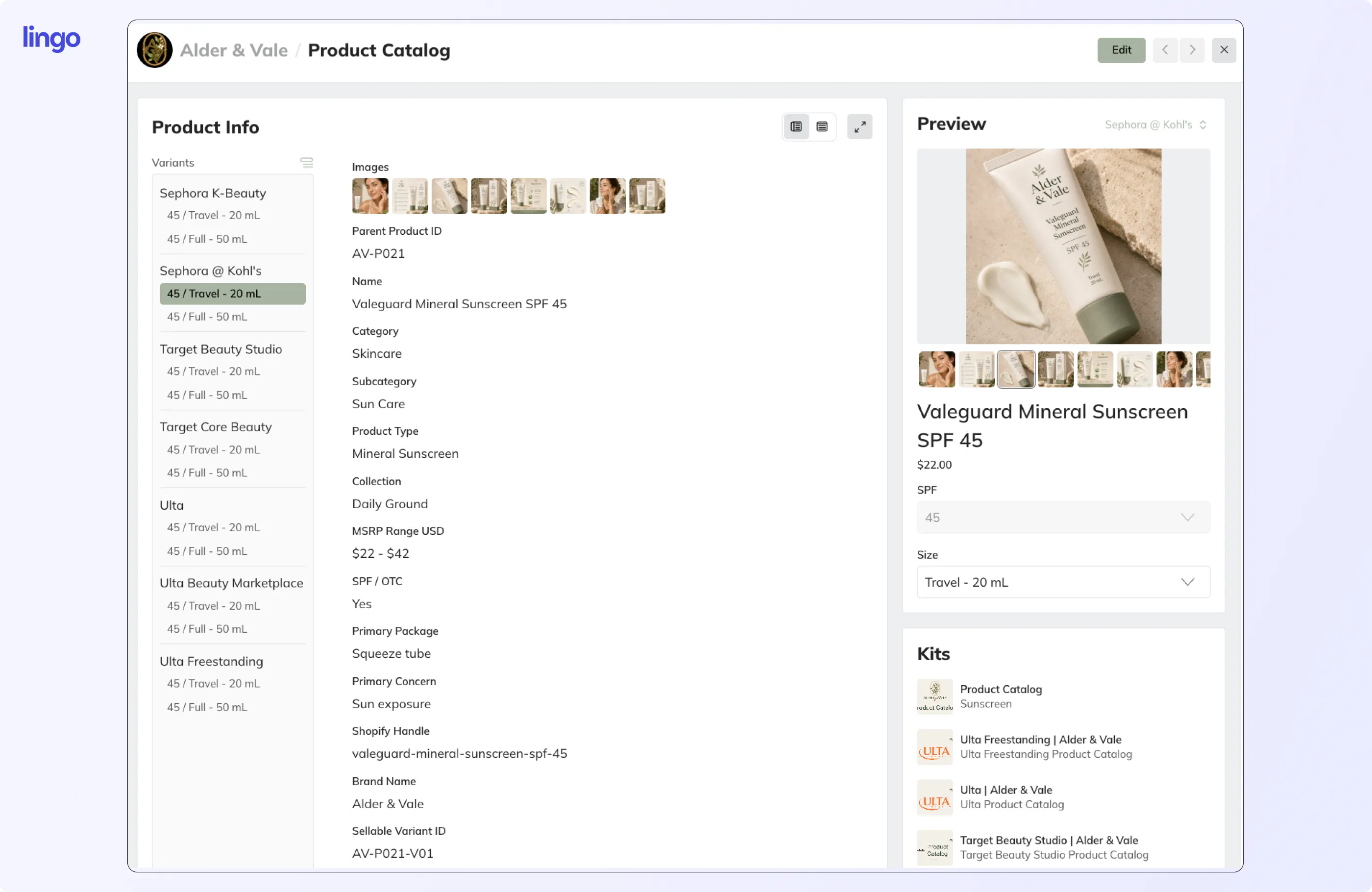
Most DAM platforms stop at storing files. Lingo goes further by pairing digital asset management with product information management in a single workspace. Your product descriptions, SKUs, and specifications sit alongside the photos, videos, and packaging art they belong to. When a retailer needs updated assets for a seasonal launch, you send one Portal link instead of a batch of emails with attachments that may already be outdated.
Products in Lingo lets you build a structured product catalog that connects each SKU to its approved media. Channels then helps you track which product content has changed and identify downstream listings that need attention. That connection between data and media is what separates Lingo from platforms that treat product images as standalone files with no relationship to the information around them.
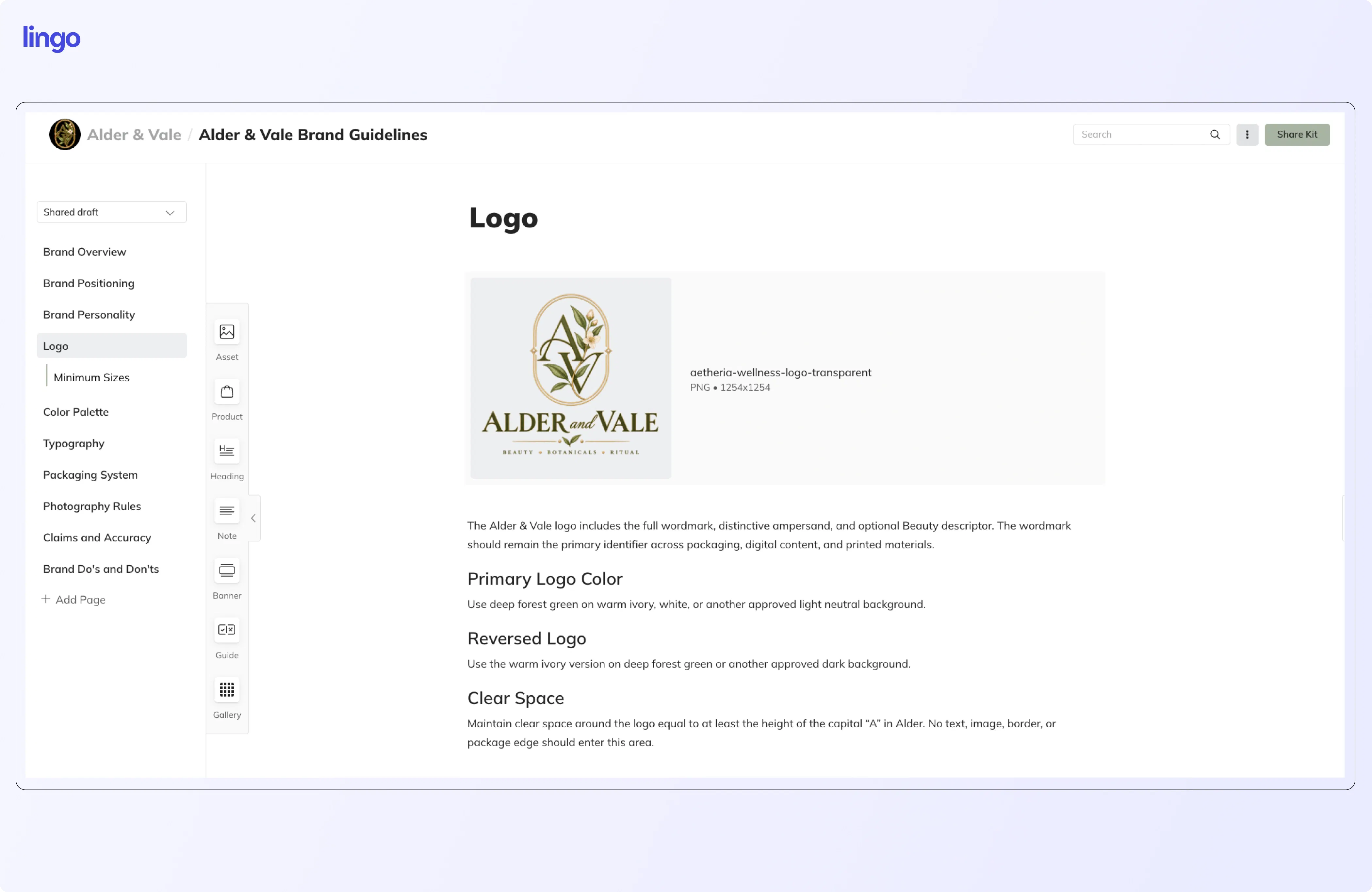
Lingo also includes living brand guidelines directly alongside your assets. Partners and teammates see usage notes, color specs, and dos-and-don'ts in context, not buried in a separate document they will never open. According to a 2026 analysis from Omnibound aggregating data from Lucidpress, Edelman, and Salesforce, consistent brand presentation across channels can increase revenue by 10 to 33 percent. Kits and Portals make that consistency operational instead of aspirational.
Pros:
Cons:
Best used for: Creative teams that produce a high volume of imagery and video and need AI-powered tagging, visual search, and built-in review workflows.
Air organizes creative assets visually and adds AI intelligence on top. You can search by what is in an image, tag assets using facial and object recognition, and stack versions so your team always grabs the latest approved file.
Air uses a credit-based pricing model where credits are consumed by storage, AI enrichment, and image generation. The free plan includes 120 credits per month. Credit consumption can be harder to predict than flat storage billing as your library grows.
Pros:
Cons:
Best used for: Product-led brands that want a traditional DAM with emerging eCommerce integrations for Shopify and Amazon.
Canto recently expanded into product content with its DAM for Products offering, which connects product images, SKUs, and attributes in one platform and syncs them to Shopify and Amazon storefronts via integrations announced in early 2026.
All Canto plans are quote-based. The vendor does not publish starting prices, so you need a sales conversation before you can model cost. Four tiers range from Core Essentials to Enterprise.
Pros:
Cons:
Best used for: DTC brands that want a visually focused DAM with a native Shopify connection and no per-user limits.
Dash positions itself as an eCommerce-first DAM for growing brands. Every plan includes unlimited users, which removes per-seat cost pressure. The Shopify integration lets you drop organized product photos into listings directly from the Dash interface.
Plans start at £79 per month for 10 GB of storage and 250 downloads per month. That download cap is worth monitoring: if your partners frequently pull assets, the monthly limit can become a constraint.
Pros:
Cons:
Best used for: Brand-focused teams that prioritize living guidelines, templating, and cross-department consistency alongside asset management.
Frontify combines digital asset management with interactive brand guidelines, templates, and analytics. It unifies brand rules and creative assets so everyone from marketing to product teams references the same source.
Frontify uses quote-based pricing. Third-party data from Vendr shows a median annual contract value near $32,000, with a range from roughly $14,000 to $56,000 depending on users, storage, and tier.
Pros:
Cons:
Best used for: Mid-market teams that need asset analytics, document intelligence, and integration with Smartsheet workflows.
Brandfolder, owned by Smartsheet, is a DAM built around asset discoverability and governance. Document intelligence uses OCR to index text inside files, making presentations and multi-page documents searchable by their content.
Brandfolder does not publish pricing. Third-party data from Vendr shows a median annual contract near $24,700, with entry deployments starting around $6,000 per year. Implementation fees are typically billed on top of the subscription.
Pros:
Cons:
Best used for: Larger organizations that need a modular DAM with add-on modules for content workflow, brand templates, and creative automation.
Bynder is a modular DAM where you assemble your package from a core AI-powered platform plus optional modules for content workflow, brand templates, and creative automation. That modularity helps larger organizations scope their deployment, but smaller teams may pay for more infrastructure than they need.
Bynder does not publish pricing. The modular add-on structure means your total cost depends on which modules you select and how many users you onboard. For smaller teams, the custom-quote model slows down the buying process.
Pros:
Cons:
A DAM stores and organizes media files: photos, videos, design files, documents. A PIM manages the structured data that describes your products: names, descriptions, SKUs, specifications, pricing, and attributes. Most eCommerce teams need both, because a product listing requires accurate data and the right images together.
The gap between the two is where product content breaks down. Your DAM has the hero shot, but nothing in the system tells you which SKU it belongs to. Your PIM has the description, but the image linked to it was replaced two weeks ago and nobody updated the reference.
Lingo bridges that gap with its Products feature, which pairs structured product data with associated media in a single record. That means your team and your partners always see the current description alongside the current photo, in one place.
Sticker price per month is only the first number. The total cost depends on how the platform charges for users, storage, and distribution.
The most affordable tool is the one that covers your actual workflow at a predictable cost, with room to grow before you hit the next pricing tier.
Most DAMs organize files. Lingo organizes your product content. The distinction matters because a product photo without its description, SKU, and usage context is just a file sitting in a library that your retail partner has to guess how to use. Lingo connects that photo to the data it belongs to and delivers both through a branded Portal that partners can access on their own.
That connected approach means fewer manual handoffs, fewer outdated assets reaching your marketplace listings, and fewer emails asking "can you send me the latest version?" Lingo gives your eCommerce team a single source of truth for product media that stays current across every channel and every partner.
Cannabis and retail brands can also take advantage of a free product catalog build when they start a free trial. It is a concrete way to see how connected product data works before committing to a paid plan.
Product media management is the practice of organizing, updating, and distributing the images, videos, and brand content associated with your product catalog. Lingo handles this by connecting each product record to its approved media and delivering both through shareable Kits and Portals.
Buying a DAM and a separate PIM doubles your software cost and creates another integration to maintain. Lingo combines digital asset management with product information management on a single platform, starting at a published monthly or annual rate that smaller teams can budget for.
When you update a product photo or description in Lingo, that change flows to every Kit and Portal that references it. Partners who access your Portal always see the current version, and direct links embedded in external sites update automatically.
Several tools on this list include Shopify integrations. Lingo's Channels feature helps you track product content changes and identify listings that need attention, which complements your existing Shopify workflow. Air, Canto, and Dash also include Shopify connections on supported plan tiers.
You can start a free trial with full Business plan access for 30 days, including access to the product catalog built directly inside the trial to see connected product data in action.