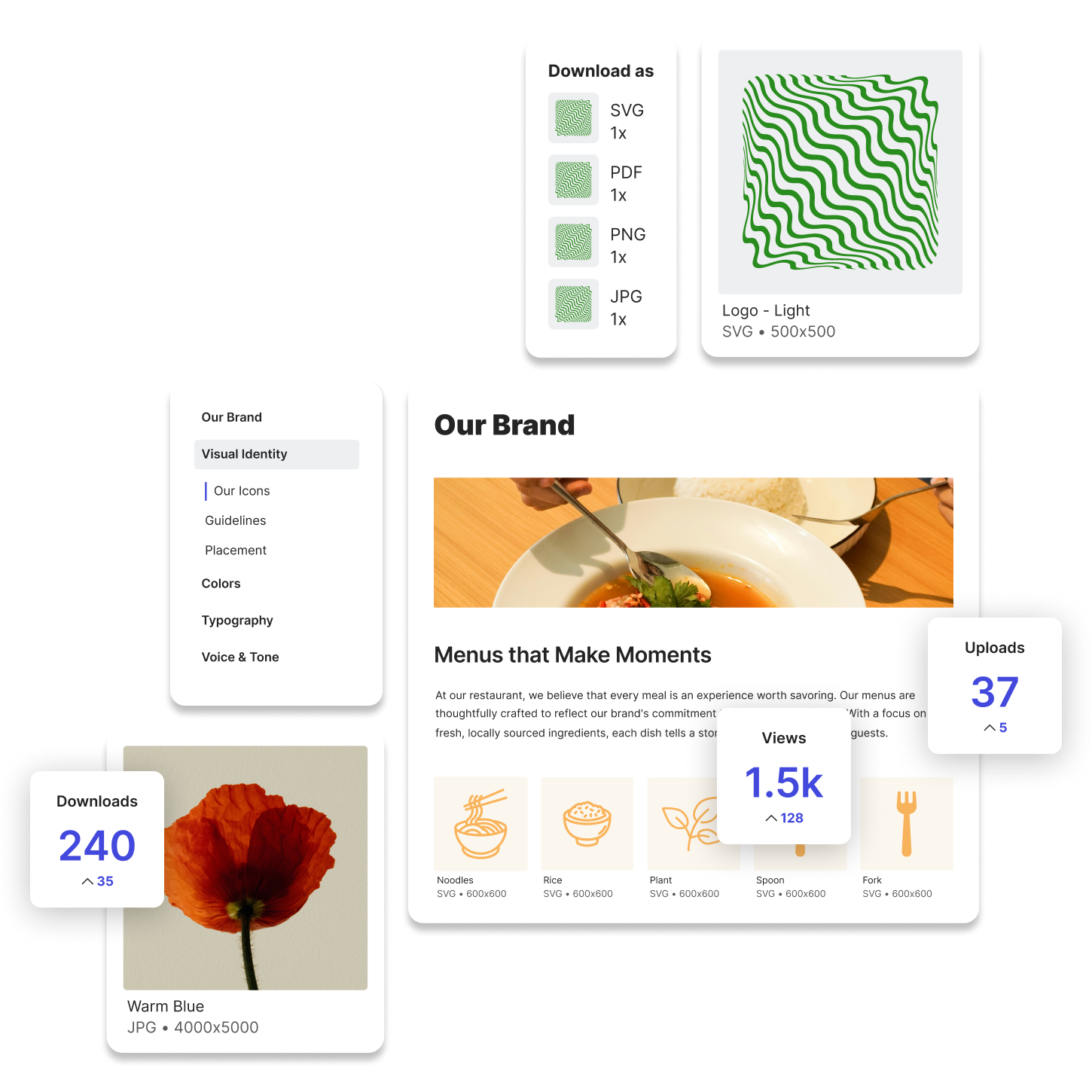
Shared Drives: A Centralized Solution for Team Collaboration
What Are Shared Drives?
Shared drives are cloud-based or networked storage systems that allow multiple users to access, store, and collaborate on files in a centralized location. They are widely used by businesses and creative teams to ensure that employees can quickly find and edit documents, images, and other digital assets without relying on local storage.
For marketers and designers, shared drives provide an essential space for organizing campaign materials, branding assets, and project files. These platforms eliminate the need to send multiple versions of a file via email, reducing confusion and improving efficiency. However, without proper management, shared drives can become cluttered and disorganized, making it difficult to locate important files when needed.
How Shared Drives Work
Shared drives function as cloud-based storage locations where teams can upload, edit, and retrieve files. Unlike personal cloud storage, shared drives are designed for multiple users, with permission settings that allow organizations to control who can view, edit, and manage files.
For example, a marketing team running a product launch campaign may use a shared drive to store creative assets, social media graphics, and promotional videos. Team members can access these files simultaneously, ensuring that designers, content creators, and marketing managers are all working with the most current materials.
Most shared drives include features such as:
- Cloud-based access that allows teams to retrieve files from any location
- User permissions to control who can view or edit files
- File versioning to track changes and restore previous versions
- Folder structures to help organize documents, images, and media files
Popular shared drive platforms include Google Drive, Dropbox, Microsoft OneDrive, and Box. While these solutions provide basic file-sharing capabilities, they often lack advanced search functions, metadata tagging, and version control tools that are essential for larger teams managing a high volume of assets. For these reasons, marketers and designers often turn to digital asset management platforms, which is also a type of shared drive, as they are more accommodating to how creative files are used, stored, and shared.
Why Shared Drives Matter for Marketers and Designers
1. Improves Team Collaboration
Shared drives make it easier for teams to work together by providing a centralized space where files can be accessed and updated in real time. Designers can upload new graphics, while marketers can review and provide feedback without needing to send multiple email attachments.
2. Provides Remote Access to Files
With shared drives, teams can work from anywhere without relying on physical storage devices. This is especially important for remote teams, agencies, and freelancers who need seamless access to marketing assets and design files.
3. Reduces Redundant File Sharing
Instead of sending multiple versions of the same document via email, shared drives ensure that everyone is working with the latest file. This reduces the risk of outdated content being used in marketing campaigns or design projects.
4. Helps Manage Large Campaigns
For businesses running multiple marketing campaigns, shared drives provide a way to organize project files, campaign assets, and media content in structured folders. This makes it easier to find specific materials without digging through endless email threads or scattered desktop files.
Shared Drives vs. Digital Asset Management (DAM)
While shared drives are useful for storing and accessing files, they are not designed for managing large volumes of digital assets efficiently. Digital asset management (DAM) platforms provide additional capabilities that shared drives lack, including:
- Metadata tagging for advanced search and organization
- Version control to prevent outdated files from being used
- User roles and permissions for stricter content control
- Integration with creative and marketing tools for seamless workflows
For example, a retail brand managing thousands of product images might struggle to find specific visuals within a shared drive. A DAM system allows them to categorize images with metadata, ensuring that the right files can be retrieved instantly based on keywords, product names, or usage rights.
Try Lingo for free.