Media Asset Management Software: Designed to Keep Your Media Files Organized and Accessible
Media asset management software helps you store, organize, retrieve, and share a wide range of media files, including images, videos, audio clips, animations, and design content. It’s built for teams that rely heavily on media to create content, tell stories, or represent a brand visually.
Unlike generic file storage tools, media asset management software is designed specifically for large or complex media libraries. It gives you visual previews, metadata tagging, usage control, and a more structured way to manage creative content across teams.
Why It Solves Problems Other Storage Tools Can’t
You may already be storing your media in Google Drive, Dropbox, or an internal server. But as your media asset library grows, those systems can quickly become hard to navigate. Files are duplicated, folders become inconsistent, and no one can find what they need without asking someone else.
Media asset management software helps you bring structure to that chaos. It makes it easier to locate files, track versions, and ensure that only approved, current content is being used. It also saves your creative team time by cutting down on repetitive requests or rework due to missing context.
This kind of software doesn’t just hold your media. It gives it purpose, structure, and clarity.
How It’s Typically Used Today
Media asset management software is often used by creative, marketing, and content teams that work with high volumes of visual content. It supports everything from managing campaign footage to organizing product imagery for eCommerce.
Some systems are highly technical and built for video production environments. Others are more lightweight and designed for marketing workflows. In either case, the goal is the same — make it easier to manage and distribute high-quality media across teams and channels.
Common features include search filters, tagging, role-based permissions, download options, and integrations with design tools or storage platforms.
Why It Matters to You and Your Team
If your team is working with media regularly, you’ve likely dealt with challenges around version control, accessibility, and speed. You want to make sure that what’s being used is current, high-quality, and on brand.
Media asset management software gives you peace of mind. It lets your team find what they need without help. It reduces the risk of someone using the wrong image or outdated footage. And it gives your creative team more time to focus on producing work instead of managing requests.
When your media is easier to access and manage, your entire content process runs smoother.
How Lingo Supports Media Asset Management
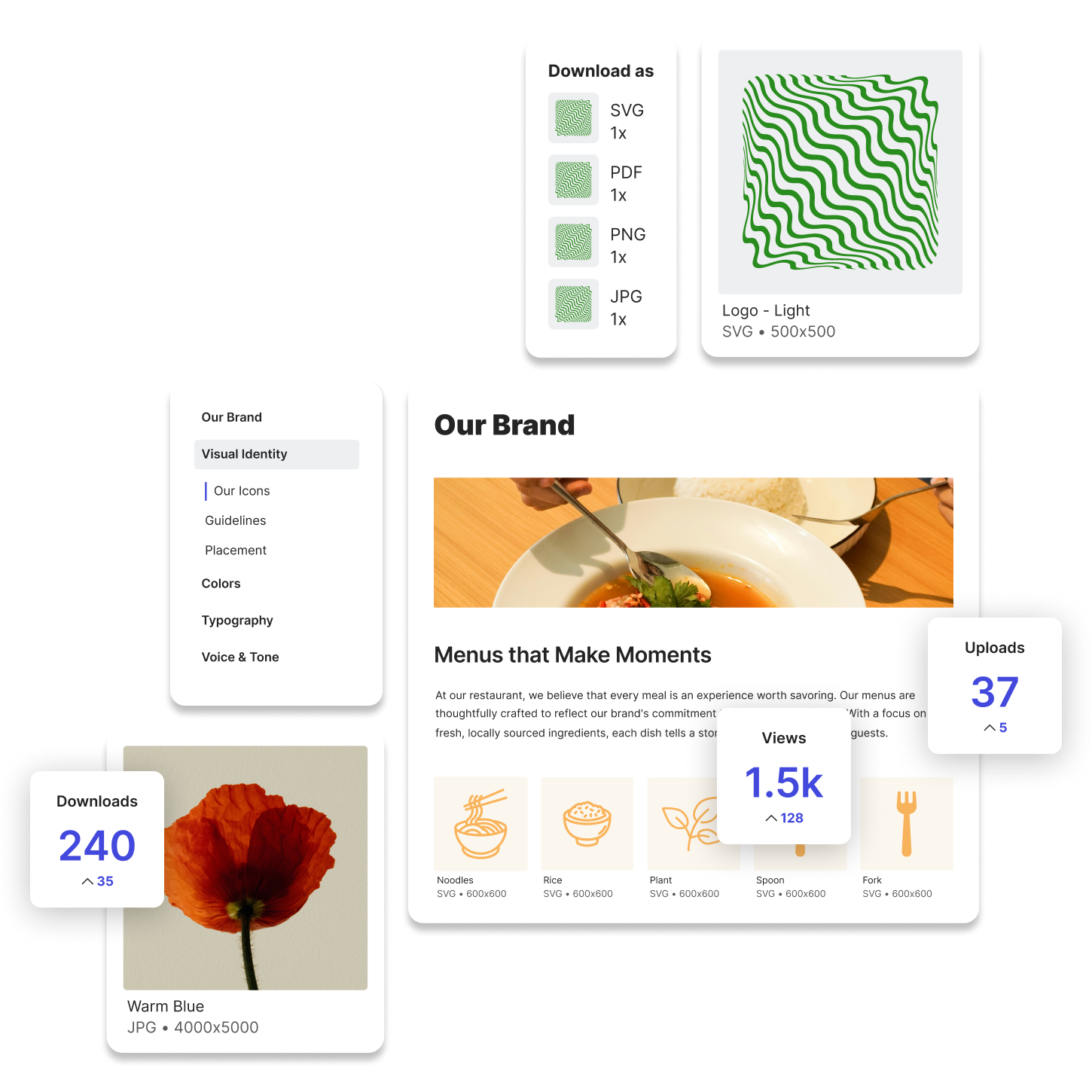
Lingo offers a focused and flexible way to manage media assets across your organization. You can upload images, videos, and graphics into visual Kits, tag them with searchable keywords, and provide helpful context so others know exactly how to use each file.
Try Lingo for free.