Image Library: A Simple Term That Solves a Common Problem
An image library is a centralized collection of your brand’s images, organized in a way that makes them easy to browse, find, and share. It typically includes photography, illustrations, icons, social graphics, and any other visual content used across your brand materials.
While the concept is simple, the impact is huge. Without a dedicated space to manage images, teams waste time searching for files, accidentally reuse outdated visuals, or pull assets from the wrong sources. An image asset library solves this by providing a single, organized home where all of your visuals live.
Why It’s More Than Just a Folder of Files
You’ve likely worked out of folders named “Marketing” or “Final Assets” or “2026 Visuals.” And chances are, someone still had to ask where the most current product photo was. A true online image management asset library changes that experience.
It is built for visual navigation, not just file names. You can browse through previews, scan by category, or search by keyword to find the right image quickly. It removes guesswork and makes asset access feel natural, even for people outside of the creative team.
An image asset library isn’t just about storage. It’s about speed, consistency, and the ability to deliver the right image at the right time.
How Image Libraries Show Up in Today’s Workflows
Most teams have some version of an image asset library already. It might live in Google Drive, Dropbox, or even within a design tool like Figma. But these setups usually come with trade-offs like missing tags, poor search functionality, or no visual hierarchy.
More advanced teams adopt dedicated asset management tools to build image libraries that are easier to maintain and more useful across departments. These platforms offer tagging, filters, version control, and download options, making them a smarter long-term solution.
But even today, many brands still rely on outdated folders and duplicate assets scattered across teams. That’s where things start to break down.
Why It Matters to You and Your Team
You probably don’t need help creating new images; you need help managing the ones you already have. That’s where an image asset library becomes essential. It gives everyone, from designers to marketers to partners, access to the same set of approved visuals.
This helps you stay on brand without slowing things down. Whether you’re building a pitch deck, creating a landing page, or updating social media, you always know where to go.
And when your team moves fast, having a reliable place to pull visuals makes all the difference.
How Lingo Helps You Build a Better Image Asset Library
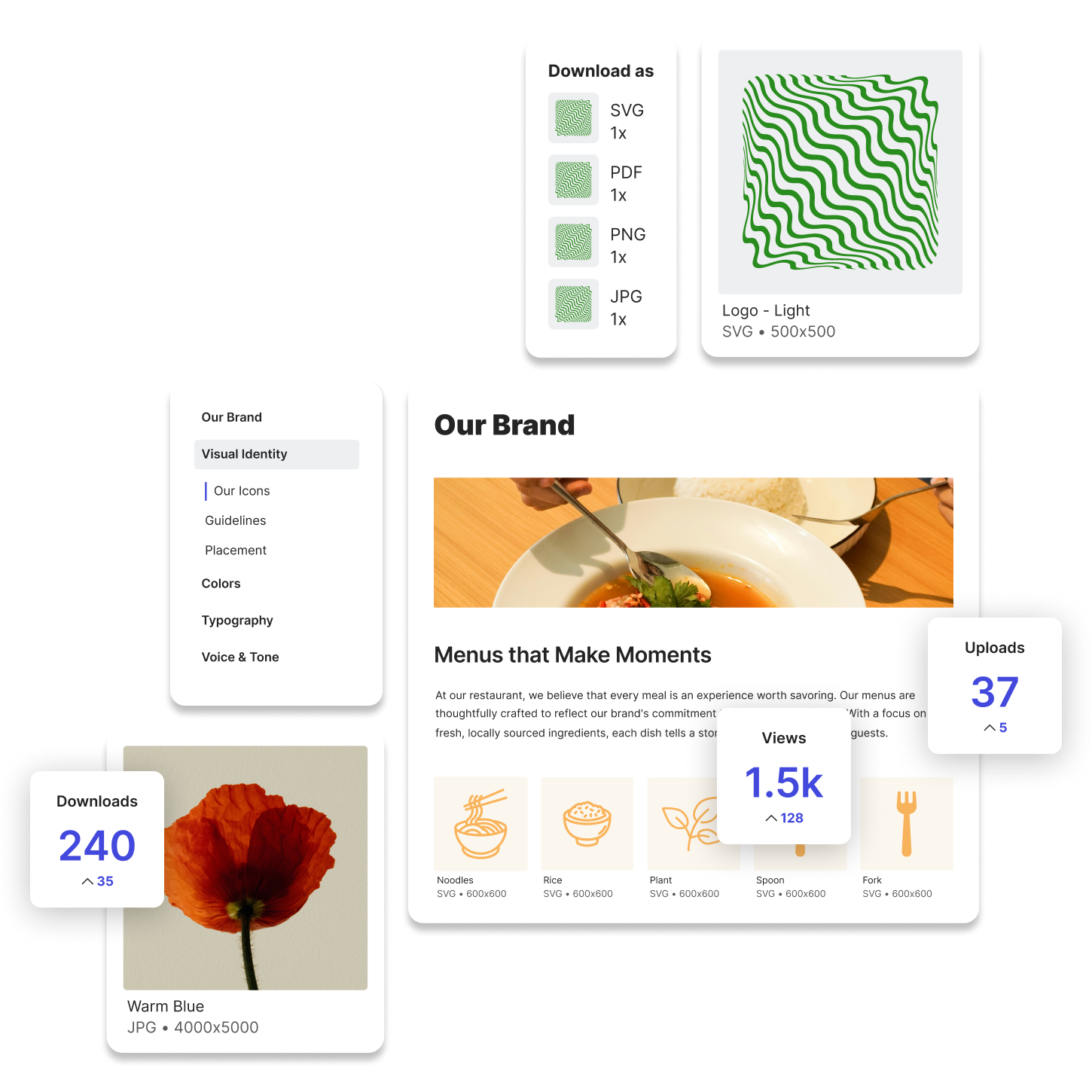
Lingo gives you a dedicated, visually-driven environment to manage your images with purpose. You can organize files into Kits, tag them with relevant keywords, and even include usage guidelines right next to each visual.
Try Lingo for free.