If your brand is growing, your media library is growing with it. Between product photos, marketing videos, design files, and presentations, managing creative assets across teams becomes harder over time. Digital Media Library software helps you bring order to that chaos by giving you a dedicated, visual-first system to organize, share, and control your content.
Digital Media Library software is the platform that allows you to centralize, manage, and distribute all your brand’s visual, audio, and multimedia content. It’s more than just storage. It gives you the tools to organize assets with structure, add visual previews, apply metadata, and ensure everyone across your organization can find and use the right file when they need it.
While cloud storage platforms like Google Drive or Dropbox offer basic file storage, Digital Media Library software is designed specifically for creative teams and brand operations. It gives you more control over your media, more context around your assets, and more flexibility in how you organize and share your brand’s visual identity.
If your team relies on logos, product photos, icons, presentation decks, marketing videos, and other creative content, this software helps you avoid version confusion, reduce time spent searching, and eliminate repetitive requests for the same file in multiple formats.
This kind of software doesn’t just give you space to store files. It gives you structure, metadata, visual previews, and the ability to guide others on how to use your content the right way. Whether you’re managing content across marketing, product, design, or sales, this tool becomes the foundation for how your brand’s visual assets are used every day.
As your brand grows, so does the number of files you’re working with. New campaigns bring new assets. Different teams need different formats. Multiple versions of a single logo may exist for print, digital, or social. Traditional storage platforms weren’t built for this type of complexity.
Digital Media Library software gives you a purpose-built space where your growing media library can live, evolve, and stay organized over time.
Looking at a list of files named “final2,” “final_v3,” or “use_this_one” doesn’t help anyone. Creative work needs to be visual. You should be able to preview, and search, what you’re downloading before you download it.

This type of software adds visual previews and search filters that allow you to browse files by image, tag, or context. You’re not relying on memory or folder naming conventions. You’re seeing the asset and its purpose right in front of you.
Designers shouldn’t spend their day fulfilling asset requests. Marketers shouldn’t have to wait to get the correct image size or export format. Digital Media Library software offers self-service tools that give teams access to the right files in the right format, without needing to loop in the design team for every request.
This creates more autonomy across departments and gives creatives time back to focus on their work, not asset fulfillment.
The more people who use your brand assets, the greater the risk of inconsistencies. This can include outdated logos, incorrect colors, low-resolution images, or content used without proper context.
With Digital Media Library software, you control how assets are shared, what context is included, and which versions are accessible. You protect your brand by removing the guesswork.
Lingo turns your brand library into an easy-to-navigate experience that supports your workflows and empowers your teams.
You don’t need to work around a rigid folder system. Lingo lets you organize files into Kits, which can be grouped inside larger Portals. This mirrors how you think about your campaigns, departments, or use cases.
Whether you’re building a brand library for internal teams, external vendors, or both, your structure can scale and flex as your needs change.
Finding a digital asset is helpful. Knowing how to use it is better. In Lingo, you can add descriptions, guidelines, visual examples, and even custom notes right next to your assets. This context helps every user make informed decisions about how and when to use your media.
You reduce errors, eliminate back-and-forth, and make it easier for people to get it right the first time.
Lingo allows you to tag assets with metadata that matches your brand’s workflow. You can search by file type, project name, campaign tag, or any custom label you choose.
This helps everyone find the right content faster, even if they weren’t the one who originally uploaded it.
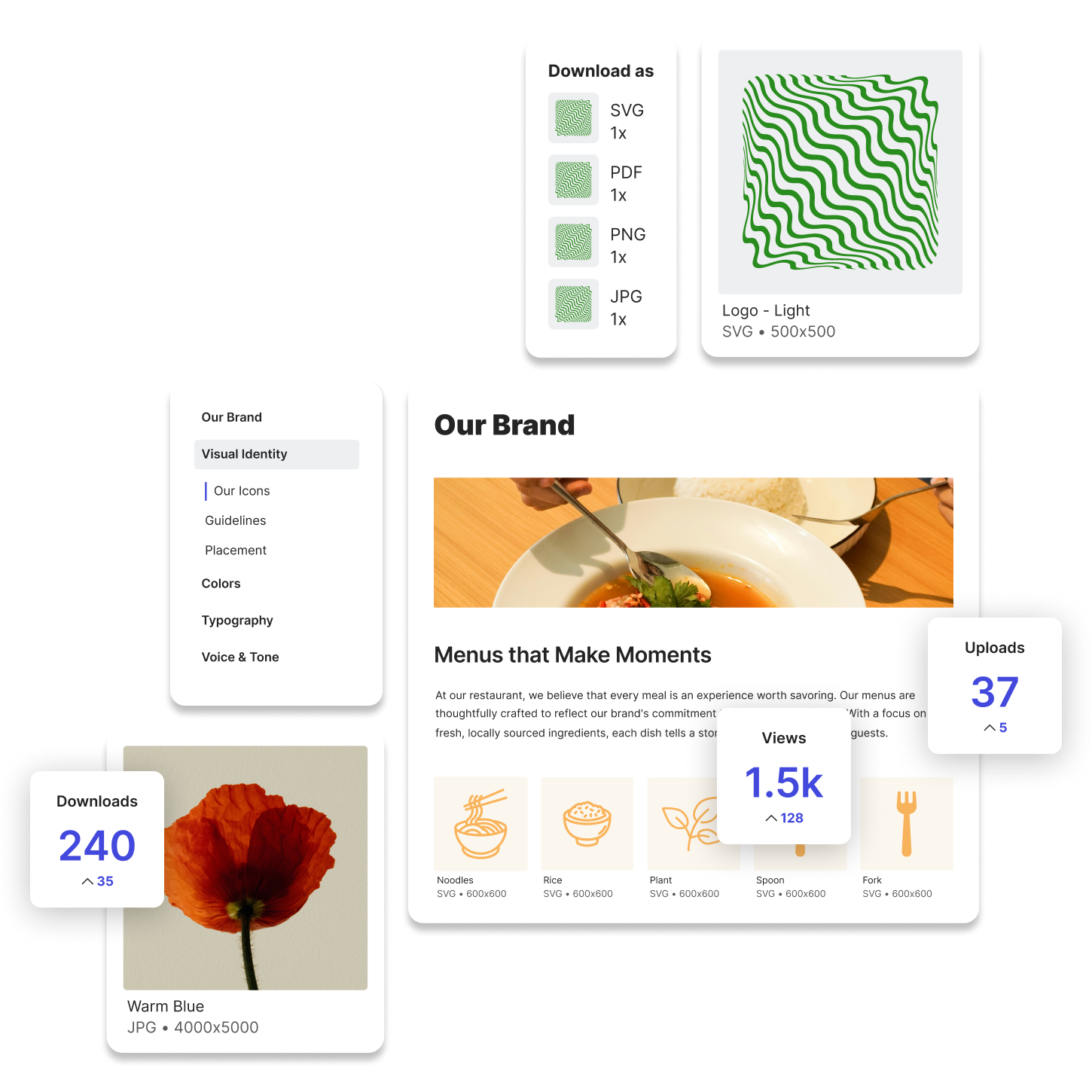
Instead of uploading five versions of the same file, Lingo allows you to upload a single source file and offer automatic downloads in a range of formats and sizes. Whether someone needs a PNG, SVG, PDF, or JPEG, they can download what they need without coming to you.
This cuts down on manual work and gives your team more flexibility, especially when sharing content across different channels.
You can decide who sees what. With Lingo, it’s easy to create public, private, or password-protected portals for different audiences. Share one kit with your internal team, another with press contacts, and another with distributors.
Each experience can be customized and branded, ensuring that people only see what’s relevant to them, and that everything feels like part of your brand ecosystem.
If your creative files live in Google Drive, Dropbox, Canva, or Figma, Lingo integrates directly with those platforms. You can keep your current workflows intact while syncing assets into a more user-friendly, structured media library.
This means less disruption to your team and no need to start from scratch when adopting a more powerful solution.