Digital Asset Management Solution: What It Is, Why It Matters, and How to Roll It Out
Edward Boatman • Dec 9th, 2025
Think of your brand like a public library. When books are shelved and labeled, anyone can find what they need fast. When books stack up on tables, people waste time and grab the wrong copy. A digital asset management solution is the shelving system for your brand. It keeps files organized, labeled, and ready to share so work flows without the back and forth. And that’s why many companies turn to digital asset management solutions.
What is a Digital Asset Management Solution?
A digital asset management (DAM) solution is software that stores, organizes, and shares all your brand files in one place. These files can include logos, product photos, videos, sales decks, and templates. Unlike generic cloud folders, a DAM is designed for brand assets at scale. It adds version history, rights and permissions, approvals, and living brand guidelines alongside the files.
Why this matters now: Work moves faster across more channels, and teams are spread across time zones. A DAM gives everyone the same source of truth so people can find the right file and use it with confidence.
Why Teams Adopt DAM Now
Teams create and ship more content than ever. Without a system, files end up scattered across desktops, drives, and chat apps. That slows everyone down, adds risk, and hurts brand trust.
- Time lost to searching. Employees report spending about 3 hours per workday searching for information because content is spread across multiple apps and sources.
- Lost productivity. Microsoft telemetry shows employees are interrupted about every two minutes by pings and meetings, which breaks focus and stretches the workday.
- Revenue risk from inconsistency. Consistent branding is linked to 10 to 20% revenue lift, according to Marq’s analysis of brand consistency. Marq+1
- Workflow drag on creative teams. In the 2023 State of Creative Workflow report, teams reported compliance issues and costly rework tied to chaotic review processes.
- Growing market signal. Analysts project the DAM market to reach 10.3 billion dollars by 2029, reflecting rising adoption across industries.
“When brand guidelines live in PDFs or scattered folders, you are not managing your brand, you are babysitting files,” says Edward Boatman, CEO of Lingo.
Core Capabilities Buyers Look For
Before you compare vendors, focus on the few features that will make daily work easier. Start with the foundation.
Single source of truth and fast search
Most teams start with shared folders. As asset volume grows, search breaks down. A DAM builds one trusted library for approved files. Metadata, filters, and related-asset links help people find what they need in seconds, which reduces duplicate work and speeds onboarding.
Brand guidelines next to the asset
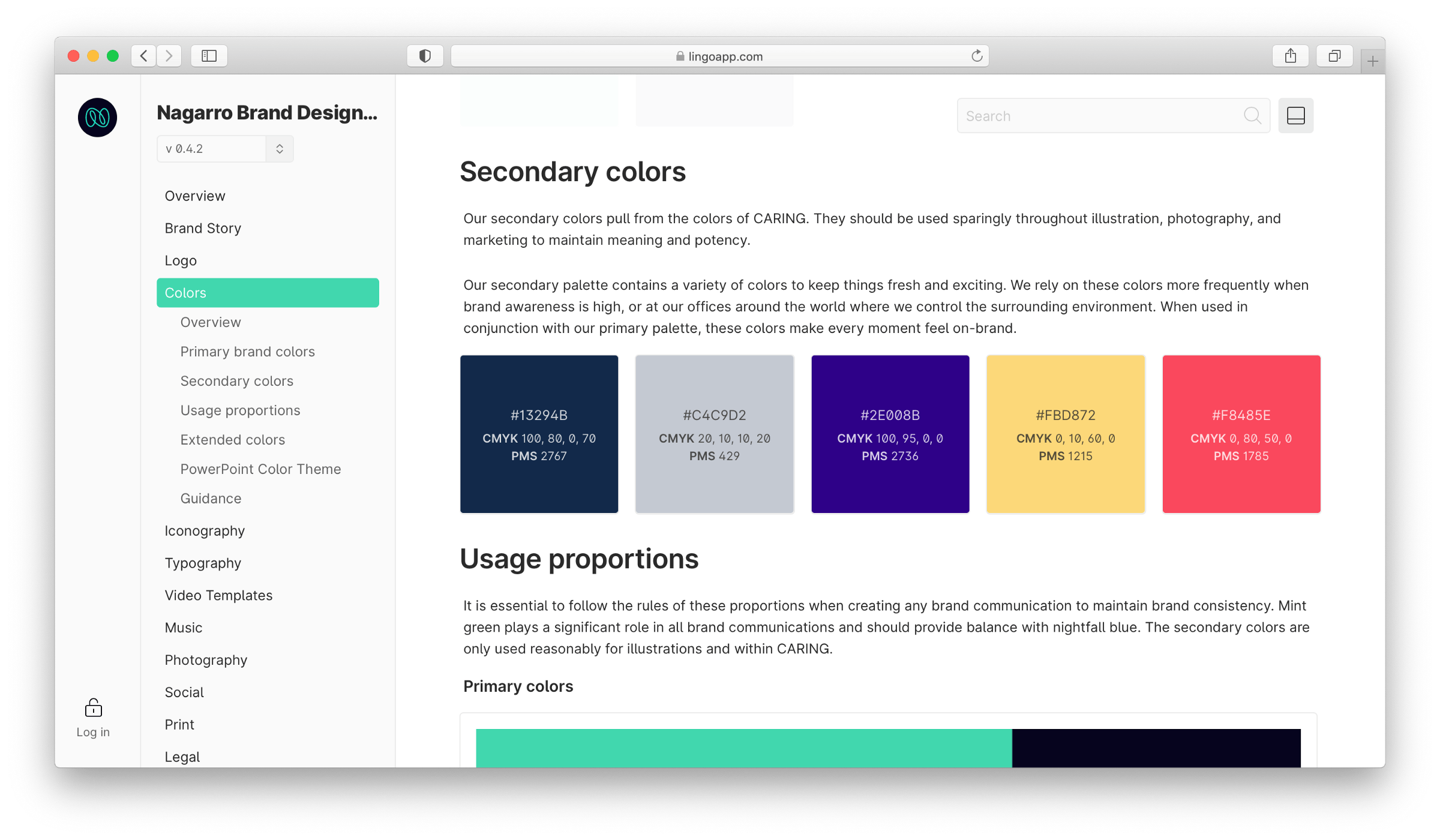
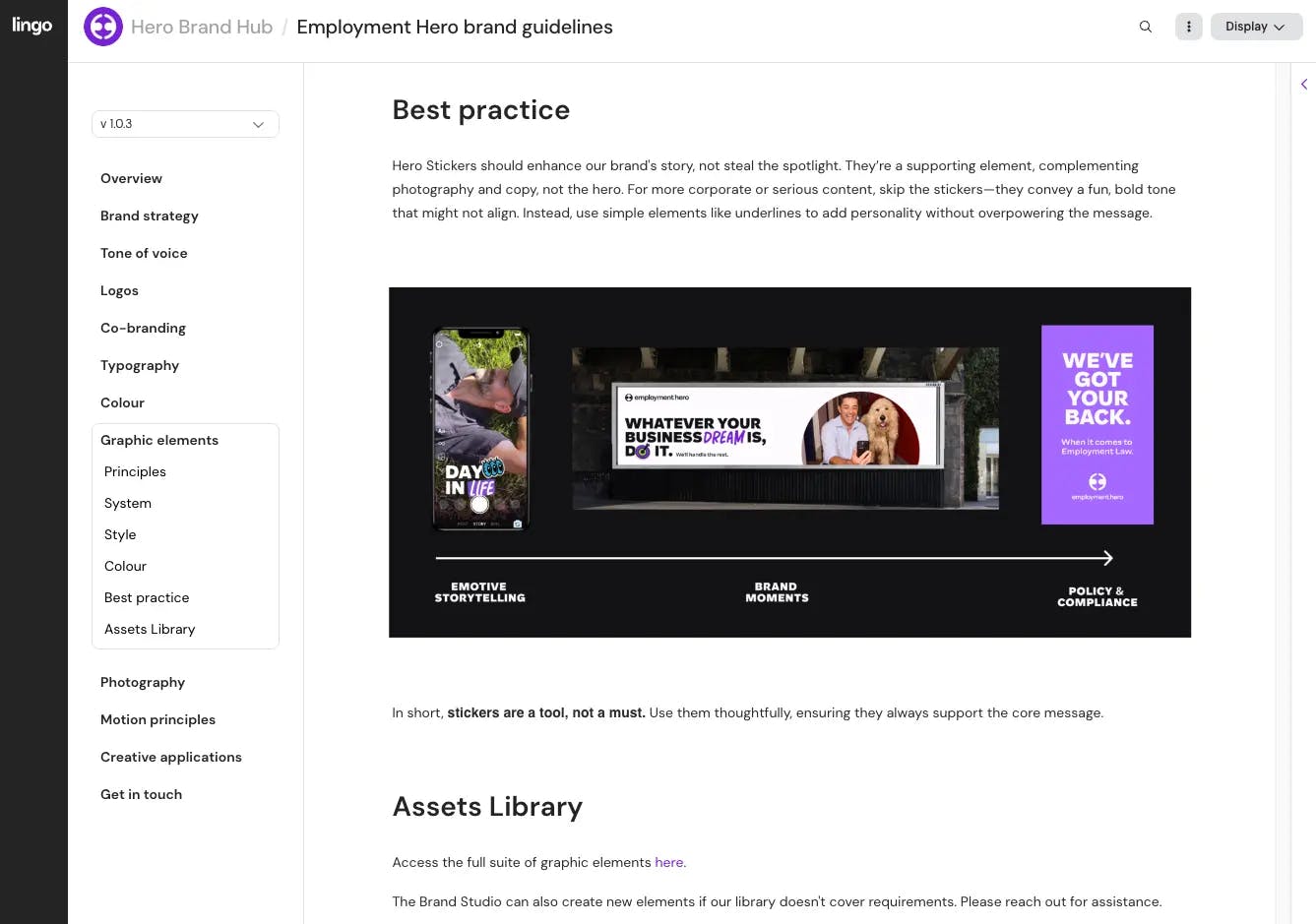
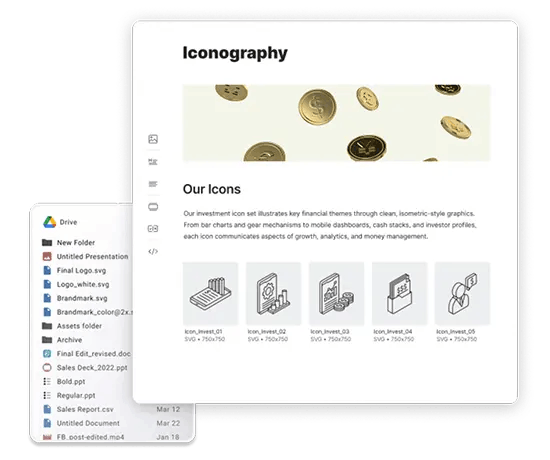
Guidelines work best when they live beside the file. Modern DAM solutions show usage rules, color codes, file specs, and templates right where people download the asset, so there is less guesswork and fewer brand errors.