Edward Boatman • Nov 17th
Lingo can help a team connect product details with approved media, and the Product Catalog feature is available on the Starter plan. For brand and creative teams, it provides a visual way to manage product information beside the images, videos, documents, and brand guidance people need to use it.
Lingo is not presented here as a complete enterprise PIM. It is a visual product information management and digital asset management solution for teams that want product content and approved files in one shared workspace. Updates can appear inside Lingo, but they do not automatically change an outside eCommerce listing, retailer system, marketplace, POS system, or downloaded file.
Product information management software is a central place to collect, organize, enrich, and distribute product information. That information may include product names, SKUs, descriptions, specifications, market details, documents, images, and videos. Informatica's PIM definition also includes managing related digital assets and distributing product content to marketing, sales, and eCommerce channels.
Traditional PIM platforms often do more than store product records. They may include data rules, approval workflows, localization, validation, master-data connections, and tools that send product content to outside channels.
Those capabilities are useful, but not every team needs the same level of data control. A brand team may have a more immediate problem: the latest product details live in one system, while approved images and sales files live somewhere else.
Product media asset management focuses on the files that help people understand, market, and sell a product. These files can include packaging photos, lifestyle images, videos, spec sheets, sell sheets, logos, and usage guidance.
A PIM usually starts with structured product data. A digital asset management system starts with approved files. Lingo brings those needs closer together by connecting product records to files in its asset library. That makes it easier for a creative team to organize the visual side of a product catalog while giving sales and partner teams useful product context.
Product listing integration can mean two different things:
1. Product details and approved media stay connected inside one workspace.
2. A system automatically sends product data and media to an outside store, marketplace, retailer, or POS system.
Lingo supports the first through its product and asset workflow. Connected is not the same as synchronized. Teams should not assume that a change in Lingo, or any other PIM, will automatically update an outside product listing. If automatic synchronization is required, ask the software provider to show the exact connection, supported fields, update direction, and error-handling process.
Product information and product media often have different owners. An eCommerce team may manage titles, prices, and descriptions in a spreadsheet or commerce platform. A creative team may manage photography, packaging files, and brand guidance in shared folders.
That split creates several problems:
A shared product media workflow gives each product a clearer home. The record explains what the product is. The linked media shows how the product should appear. Access tools then help the right audience find both.
If folders are already slowing down your team, Lingo's guide to organizing brand assets without folder chaos explains how tags, visual libraries, and Kits can make files easier to find.
Lingo's approach is designed for teams that care about the visual quality and accuracy of product content. The primary users may be brand managers, designers, creative operations teams, eCommerce teams, or product marketers.
The same workspace can also support people who consume that content, including:
Lingo may be a useful fit when your team has repeat asset requests, many product images, several audiences, or a mix of product details and brand guidance. It can also help when sales teams need self-service access to approved content. For more on that use case, see Lingo's guide to sales enablement portals.
Lingo uses Products to create a catalog, and Kits, Portals, Channels, and its asset library to distribute content to the people who need it. Each feature plays a different role.
Products hold structured product information. Teams can define the fields they need and connect product records to approved files in the Lingo asset library. This keeps a product's visual content closer to its name, description, SKU, specifications, and other useful details.
Product Catalog is available on all Lingo plans, including Starter. That gives a team a way to begin organizing product information and media without starting on the Business plan.
Kits organize content for a purpose or audience. Products in Kits are available on all plans. A team can add product catalogs to Kits, then add Kits to Portals for sales teams, retailers, distributors, or other groups.
Lingo's help center explains that the same asset can appear in multiple Kits. Because those appearances can point to one source asset, a change to that asset can apply across the Kits that reference it. A copied duplicate is a separate asset and must be managed separately.
A Kit can also appear in more than one Portal. According to Lingo's guide to adding Kits to a Portal, changes to the Kit appear in the Portals that contain it. This lets a brand reuse a core product or brand Kit across several audience hubs.
Released Kit versions need extra care. According to Lingo's guide to creating and releasing versions, a released version is a snapshot, while the shared draft remains the place for future changes. Teams should decide which version recipients should use and should not assume that an old download changes after a new version is released.
Channels and Markets are available on Business plans and above. Channels can help people with access to the Lingo space see product catalog changes inside Lingo.
By example, the image above tracks three point-of-sale providers: Leaflink, Jane, and Dutchie. Your products may appear in retail locations supported by all three of these providers. Likewise, some of your products may be available at Dutchie-supported locations, but not at Jane-supported locations. This distinction is important as Channels track changes at the SKU level.
Meanwhile, markets allow the user to make changes based on specific markets it's sold in. For example, say you’re a beauty retailer. You may sell a product of yours in a few different chains, so each chain becomes a Channel.
Likewise, with cannabis, the core product might be the same in every state, but local regulations may require small tweaks to packaging, naming conventions, and even descriptions. Here, markets represent each state and allow you to override data in each market while retaining the default, or root, product.
Market changes feed into Channels.
The following example is hypothetical. It shows how a brand might connect creative approval with sales access without claiming an automatic outside integration.
1. Approve the media. The creative team approves a packaging image, product photo, video, spec sheet, or sell sheet.
2. Add the files to Lingo. A content manager stores the approved files in the asset library and adds clear metadata so other people can find it.
3. Connect the Product record. The team creates or updates the Product record and links the right approved files to it.
4. Package the content for an audience. The product catalog is placed in a Kit. The Kit can then be added to a Portal for a sales team, distributor, retailer, or partner.
5. Give people current access. Recipients use the current content inside Lingo. On eligible plans, Channels can help people with access see catalog changes.
6. Update outside systems. The person responsible for an outside store, marketplace, retailer system, POS system, or downloaded file applies the approved update there. This step remains manual unless a separate, verified connection handles it.
This process gives the team a clear handoff. Creative owns the approved media. Brand or product owners manage the record. Sales and partners know where to find current content. The owner of each outside system remains responsible for updating that destination.
For a broader view of creation, approval, organization, and distribution, read Lingo's guide to digital asset management workflows.
Some changes can carry through Lingo's own structures. Other changes stop at the edge of the platform.
Versions, duplicates, and permissions still matter. A duplicate is its own asset. A released Kit version is a snapshot. Access depends on how the Lingo space, Kit, Portal, or Channel is configured.
An outside system needs its own update path. That may include:
Access is not the same as syndication. Lingo can give people a current source inside Lingo, and does not promise that every destination will update from that source automatically.
Affordable product information management software should fit the workflow a team actually needs. When teams compare affordable PIM tools, they should look beyond the starting price. Editor seats, storage, setup, audience usage, and separate integration needs can change the total cost. A higher plan may support the right workflow, but that value should be tested rather than assumed.
Lingo's pricing page listed the following prices on October 9, 2026:
The pricing page also offers a 30-day Business trial. Product Catalog and Products in Kits are available on all plans, including Starter. Channels and Markets are available on Business plans and above.
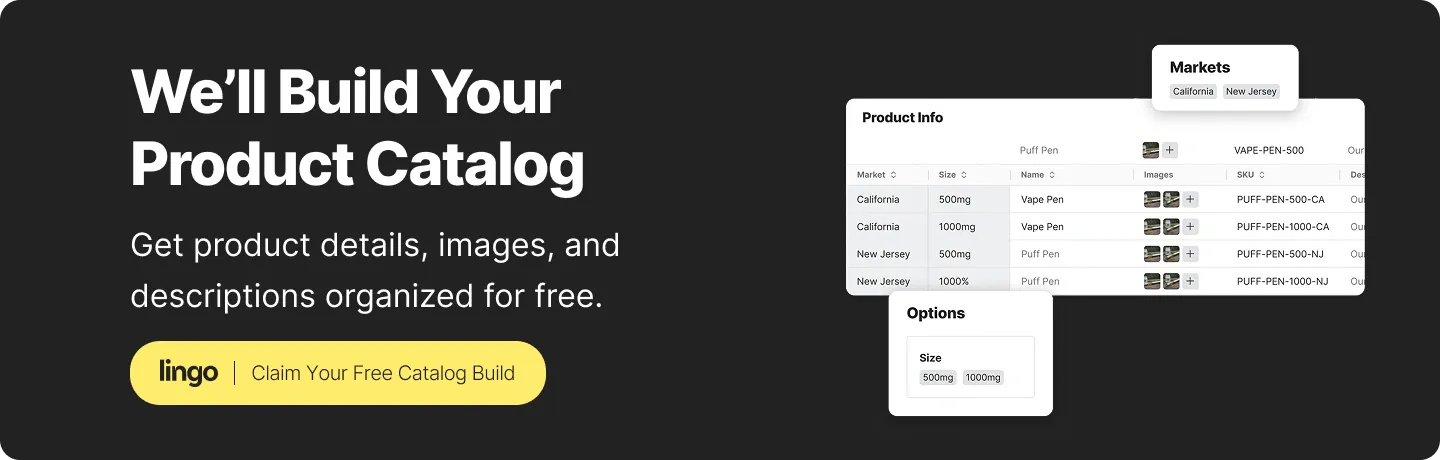
Lingo can handle your entire brand setup as an optional one-time-fee service. Teams can also ask about Lingo's Catalog Concierge service for help building an initial product catalog. Confirm the scope, eligibility, timing, and any cost of setup help before choosing a plan.
Before choosing a plan, answer these questions:
These questions give “affordable” a practical meaning. The right answer depends on the whole workflow, not one monthly number. No fair savings claim can be made without knowing the team's current tools, labor, and integration needs.
Lingo's visual product workflow may not cover every product-data need. A traditional enterprise PIM or a separate integration layer may be a better fit when a business requires:
Ask every provider to demonstrate the workflow with a real product. Watch where the data begins, which fields and assets move, how often they update, what happens when an update fails, and who owns the correction.
A tool can be a good visual source for product content without being the master system for every product field. Some teams may use Lingo beside a traditional PIM so creative assets, brand guidance, and Identify the system that will hold the main product record.
Use this checklist before starting a trial or signing a contract:
The last step matters most. A real test will show whether the tool matches the way your team works.
Lingo should not be treated as a complete enterprise PIM. It is better described as a visual product information management or DAM-supported catalog solution that connects product details with approved media and sharing tools, or a lightweight PIM.
Lingo can keep product information and media connected inside its workspace, but outside listings and systems need their own update process unless a separate, verified integration handles the change.
Products and Products in Kits are available on all Lingo plans, including Starter. Channels and Markets are available on Business plans and above. Teams should still confirm current limits, permissions, and plan details before buying.
On October 9, 2026, Lingo listed Starter at an $80 monthly platform fee plus $16 per editor monthly, billed annually. Business was $160 plus $24 per editor monthly, billed annually. Enterprise used custom pricing. Storage and monthly consumer allowances also vary by plan. Annual discounts are also available.
Yes, if the team builds and maintains the right Lingo access path. Kits and Portals can package approved content for an audience, while Channels can show catalog changes inside Lingo on eligible plans.
The best product information management software is the one that matches the work your team must control. Lingo fits teams that need product details, approved media, guidance, and audience access in one visual workspace.
If automatic syndication or deep enterprise governance is the main requirement, test a traditional PIM or integration layer as well. Start with one real product and trace every step from creative approval to sales use. That test will show where Lingo fits and where another system is still needed.
Start a free Lingo trial, and sign up for Catalog Concierge and we’ll build your initial product catalog.