Website Content Migration: Ensuring a Smooth Transition for Digital Assets
What is Website Content Migration?
Website content migration is the process of transferring digital content, including text, images, videos, and metadata, from one website or platform to another. This often occurs when businesses undergo a website redesign, switch content management systems (CMS), or consolidate multiple sites. Ensuring a seamless migration is essential to maintaining a consistent user experience, preserving search rankings, and preventing data loss.
For marketers and designers, content migration is a critical part of website rebranding and optimization efforts. A poorly managed migration can lead to broken links, missing images, and inconsistent branding. A well-planned migration ensures that all content remains structured, accessible, and aligned with the company’s digital presence.
Why Businesses Need Website Content Migration
There are several reasons businesses undergo website content migration, including:
- Rebranding efforts that require a refreshed design and updated messaging
- Platform upgrades that involve moving from one CMS to another
- Merging websites after an acquisition or restructuring
- Improving website performance to enhance user experience and SEO rankings
For example, an e-commerce brand that rebrands its visual identity may need to migrate product pages, blog content, and brand assets to a new site while ensuring that product descriptions, customer reviews, and images remain intact.
Steps for a Successful Website Content Migration
1. Conduct a Content Audit
Before migration begins, teams should review all existing website content to determine what should be transferred, updated, or removed. This includes text, images, videos, downloadable files, and metadata.
Example: A software company moving to a new website may analyze its blog content to identify outdated articles that need to be revised or archived before migration.
2. Organize and Categorize Content
Content should be structured in a way that makes it easy to retrieve and integrate into the new website. This involves categorizing pages, tagging media files, and ensuring metadata remains consistent.
Example: A marketing team migrating a corporate website may use content categories such as case studies, product pages, and customer testimonials to keep everything organized.
3. Preserve SEO and Metadata
Migrating content without considering SEO can result in lost search rankings. Ensuring that URLs, metadata, and alt text remain intact or properly redirected is essential for maintaining visibility in search engines.
Example: A travel brand updating its website should ensure that all high-ranking destination guides retain their original metadata and have proper redirects in place to avoid broken links.
4. Transfer and Format Digital Assets
Images, videos, and brand assets must be properly transferred and formatted to align with the new website’s layout. This step is crucial to maintaining brand consistency and visual appeal.
Example: A fashion retailer launching a new website should ensure that all product images, banners, and promotional videos are resized and optimized for the new platform.
5. Test and Validate Content Before Launch
Before making the new website live, teams should conduct extensive testing to check for missing content, broken links, and formatting issues. This step ensures that all pages function correctly and provide a seamless user experience.
Example: A design agency migrating a portfolio website should review every case study, image gallery, and testimonial page to confirm they load correctly on desktop and mobile devices.
How Digital Asset Management Supports Content Migration
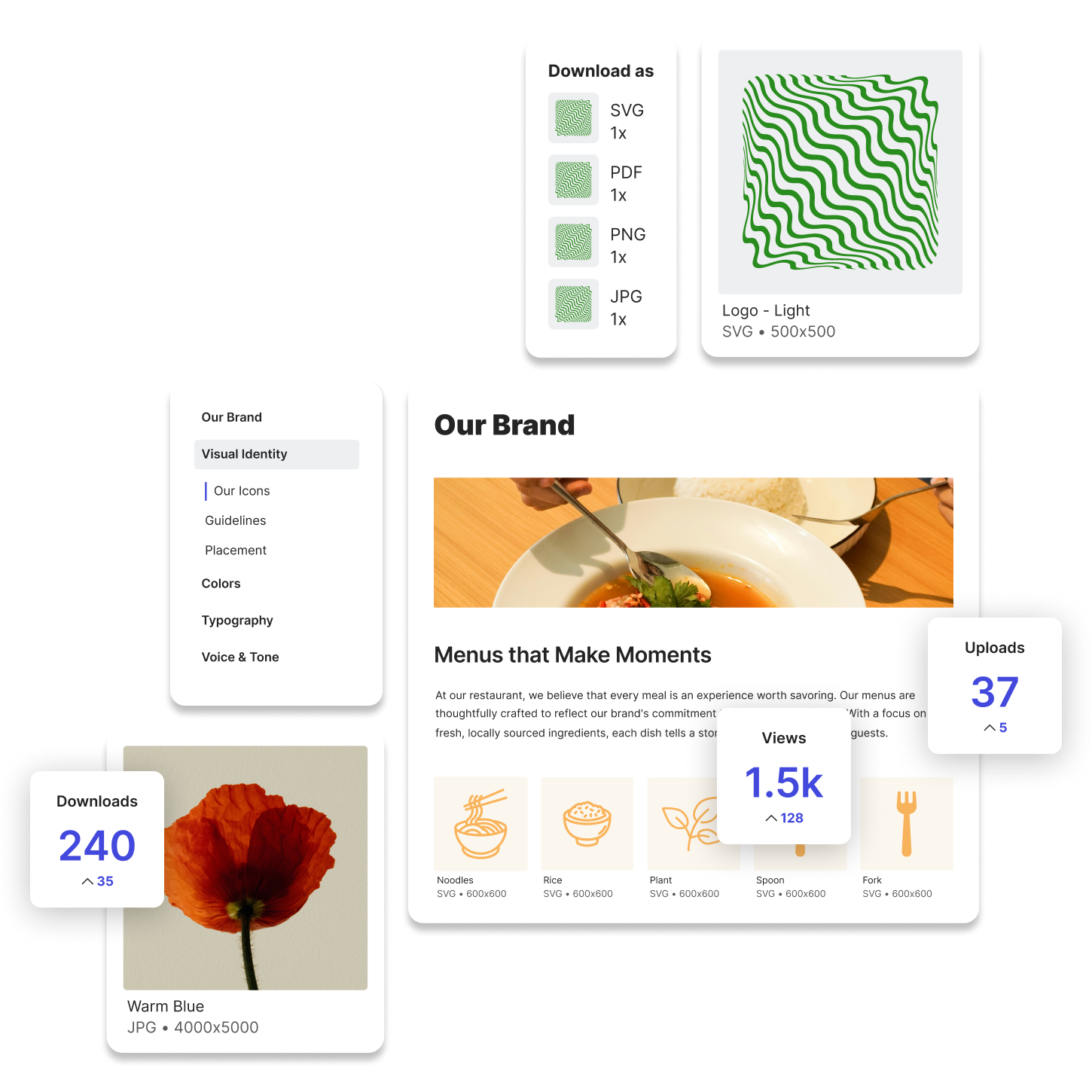
A digital asset management (DAM) system plays a vital role in website content migration by providing a structured environment for storing and managing brand assets. Lingo, as a DAM solution, helps businesses ensure that their brand elements remain accessible and organized throughout the migration process.
Using a DAM system during content migration offers several benefits:
- Centralized asset storage – Logos, fonts, images, and videos are stored in a single repository for easy retrieval.
- Metadata organization – Files are tagged with relevant descriptions, making them searchable and structured for seamless migration.
- Version control – Teams can track updates to assets and ensure they are using the most current versions.
- Brand consistency – Ensures that all brand elements, including digital guidelines, are consistently applied across the new website.
For example, a global tech company undergoing a website redesign can use Lingo’s DAM system to ensure that regional teams access the correct brand-approved assets, avoiding inconsistencies across different markets.
Try Lingo for free.